1
138
| Reference: Configuring the system
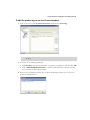
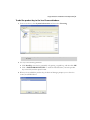
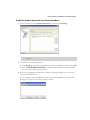
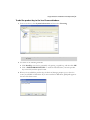
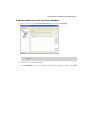
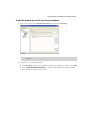
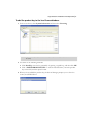
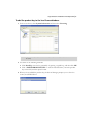
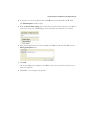
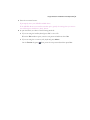
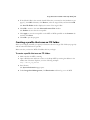
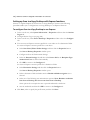
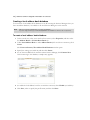
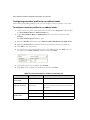
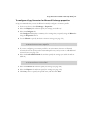
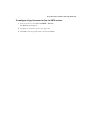
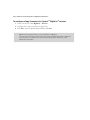
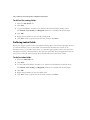
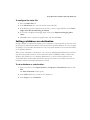
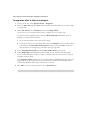
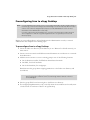
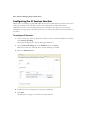
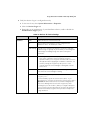
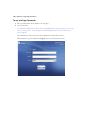
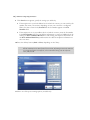
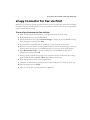
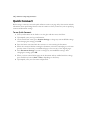
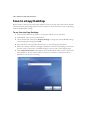
To import files:
1
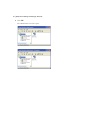
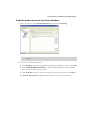
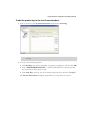
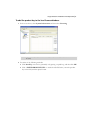
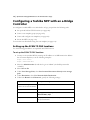
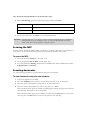
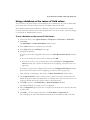
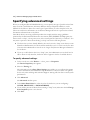
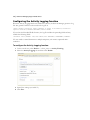
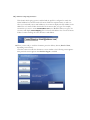
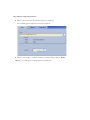
To access the utility, use either of the following methods:
■
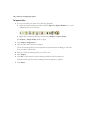
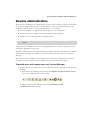
Select the Services Manager and then click the Export or Import Profiles icon on the
Administration console toolbar.
■
Right-click the Services Manager and then select Export / Import Utility.
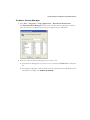
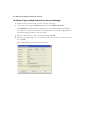
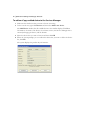
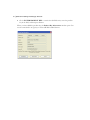
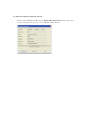
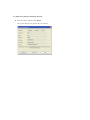
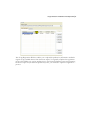
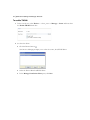
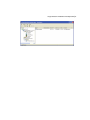
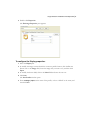
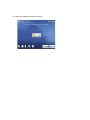
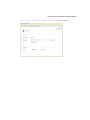
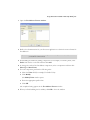
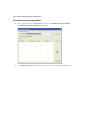
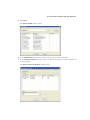
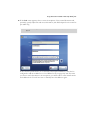
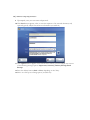
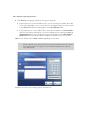
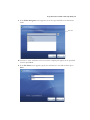
The Export / Import Utility window opens.
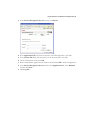
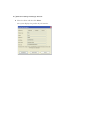
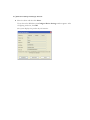
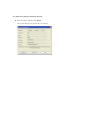
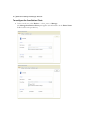
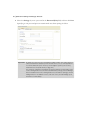
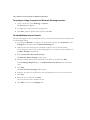
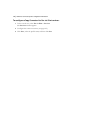
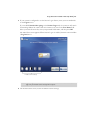
Click Import configuration.
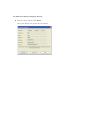
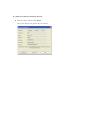
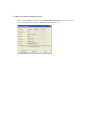
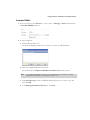
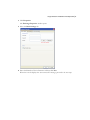
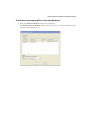
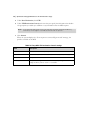
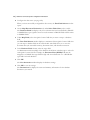
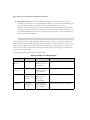
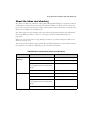
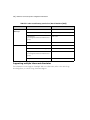
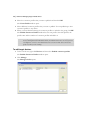
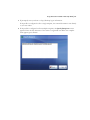
3 Select the files and connectors to import.
If you are importing files that were exported from another Services Manager, the utility
does not import system data.
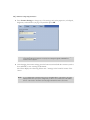
2
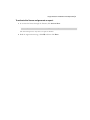
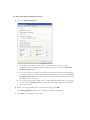
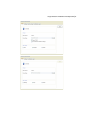
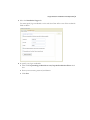
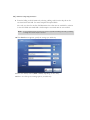
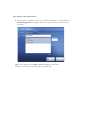
Select the folder containing the files you want to use.
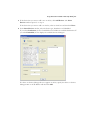
5 Click Import.
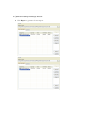
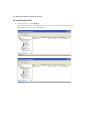
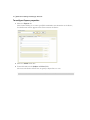
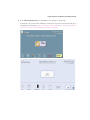
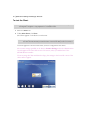
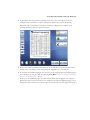
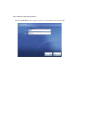
6 Click Yes to shut down the Services Manager while the files are imported.
ShareScan will restart the Services Manager when the import is complete.
4
7
Click Done.