1
72
| Quick Start: Installing and setting up ShareScan
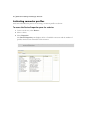
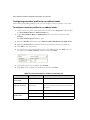
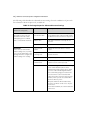
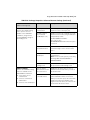
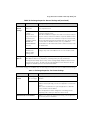
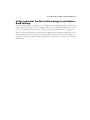
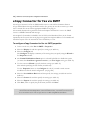
Specifying properties for a connector profile
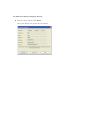
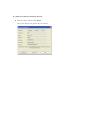
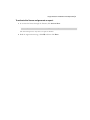
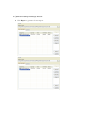
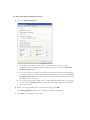
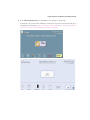
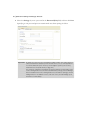
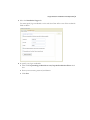
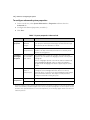
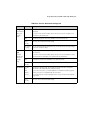
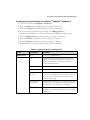
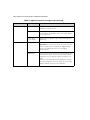
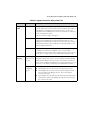
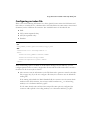
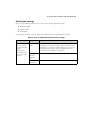
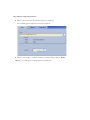
This section describes the basic process of configuring the following properties:
■
Display
■
ShareScan user (on the Configure tab)
■
Content
■
Express mode
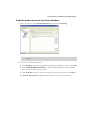
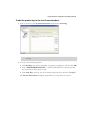
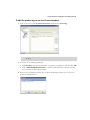
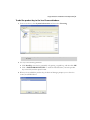
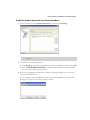
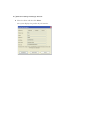
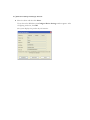
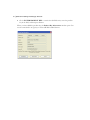
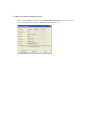
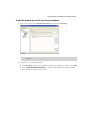
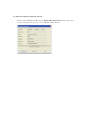
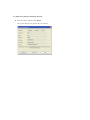
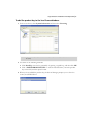
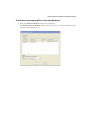
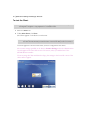
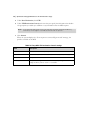
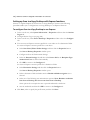
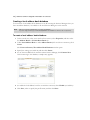
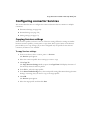
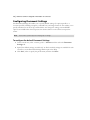
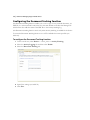
To access the Properties tab for a connector:
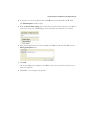
1
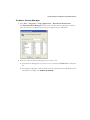
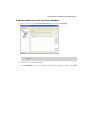
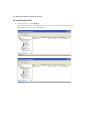
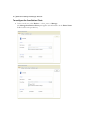
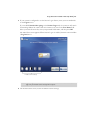
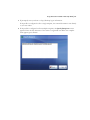
In the console tree, select Connectors.
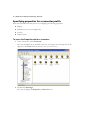
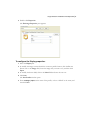
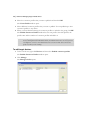
The console displays all the installed connectors. (To change the view, right-click in the
right pane, click View, and then select the view you want to use.)
2
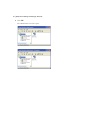
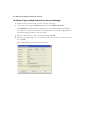
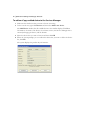
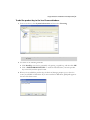
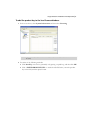
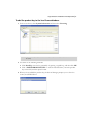
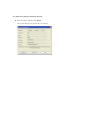
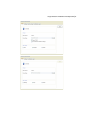
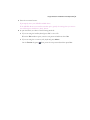
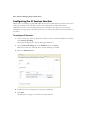
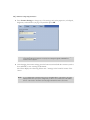
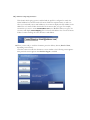
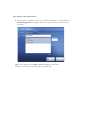
Double-click Exchange.
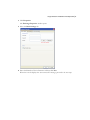
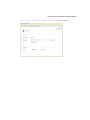
The console displays the Properties and Services icons.