1
Happy Voyager
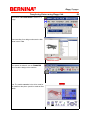
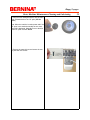
Programming Thread Colors for the Designs
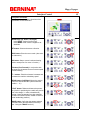
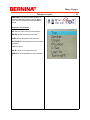
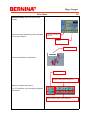
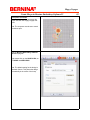
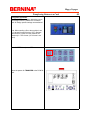
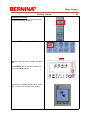
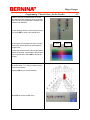
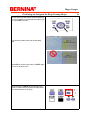
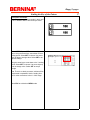
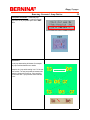
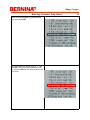
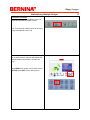
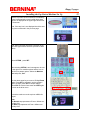
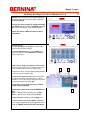
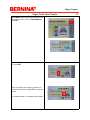
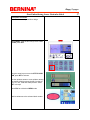
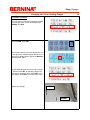
Explanation: The first set of numbers are the color
sequences in the pattern. The second set of numbers are the needles (thread colors) allocated for
that color sequence.
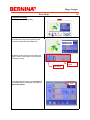
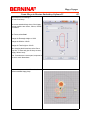
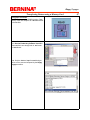
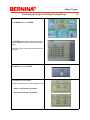
Use the up/down arrow keys to move among the
color sequences.
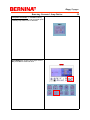
Use the right/left arrow keys to change the needle
(color)
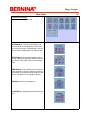
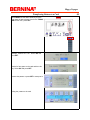
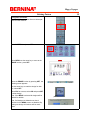
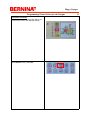
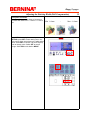
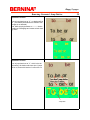
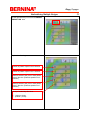
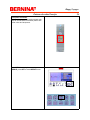
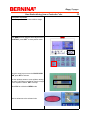
Note: Scroll down past the 5 colors for additional
allocations.
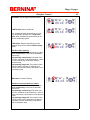
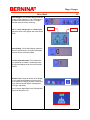
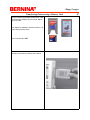
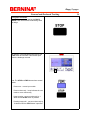
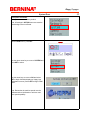
Note: Needle number 0 means no needle has
been chosen. The machine will stop waiting for a
selection.
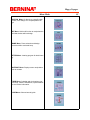
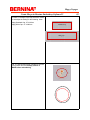
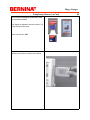
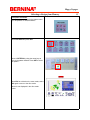
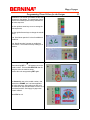
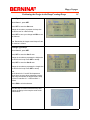
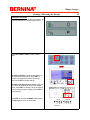
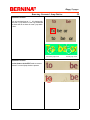
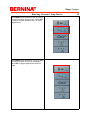
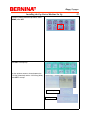
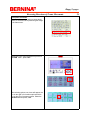
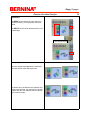
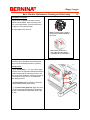
When selecting SET a
*
will appear next to the
needle number. This is a COLOR STOP after finishing this color the machine stops.
Remove the color stop pressing SET again.
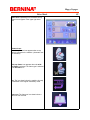
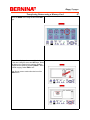
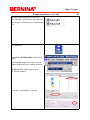
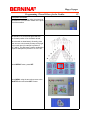
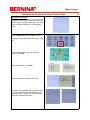
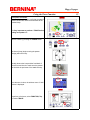
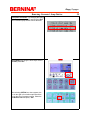
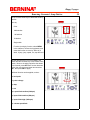
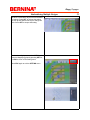
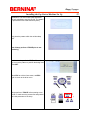
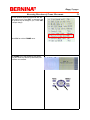
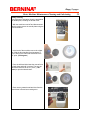
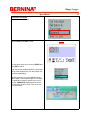
If a diamond is next to the needle number, that
means that a FRAME out has been applied to
that color sequence. After sewing out that color
the machine will stop and the frame will move to a
determined position. See Happy Voyager user/
operator manual.
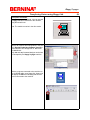
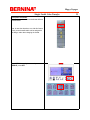
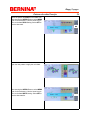
Select ESC to exit.
13