1
C o m m u n i t y Ta b l e P a g e
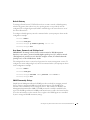
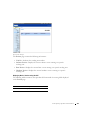
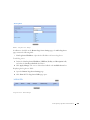
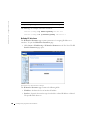
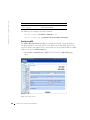
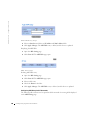
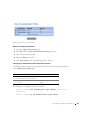
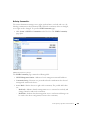
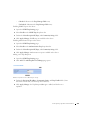
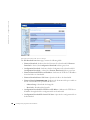
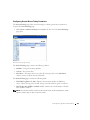
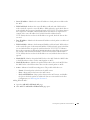
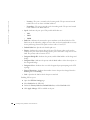
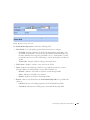
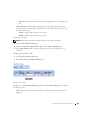
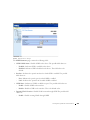
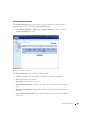
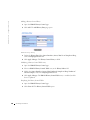
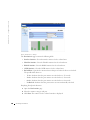
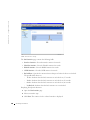
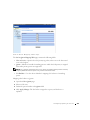
Deleting Communities:
1
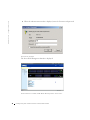
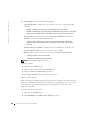
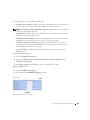
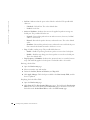
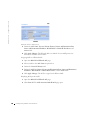
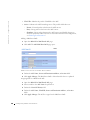
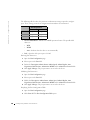
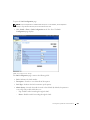
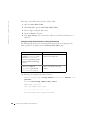
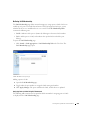
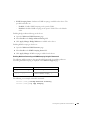
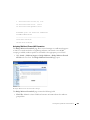
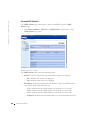
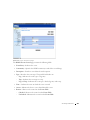
Open the SNMP Community page.
2
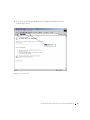
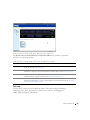
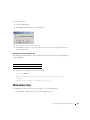
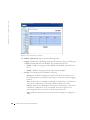
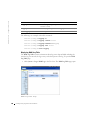
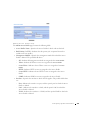
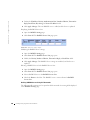
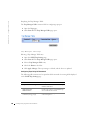
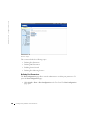
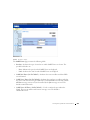
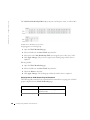
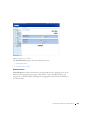
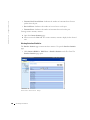
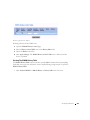
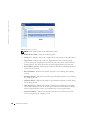
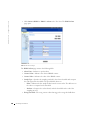
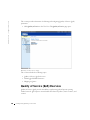
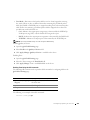
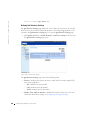
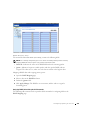
Click Show All. The Community Table page opens.
3
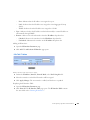
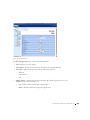
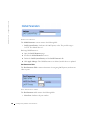
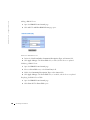
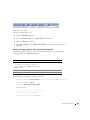
Select a community from the Community Table.
4
Check the Remove check box.
5
Click Apply Changes. The community entry is deleted, and the device is updated.
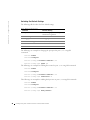
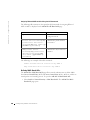
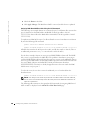
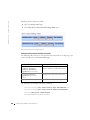
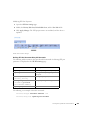
Configuring Communities Using CLI Commands
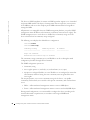
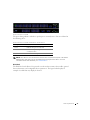
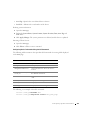
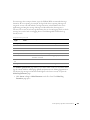
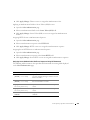
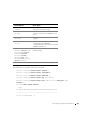
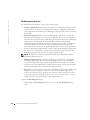
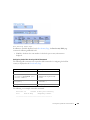
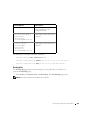
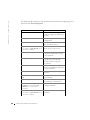
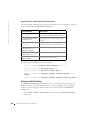
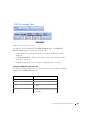
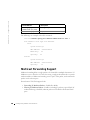
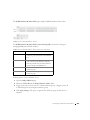
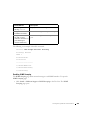
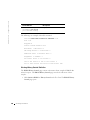
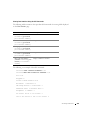
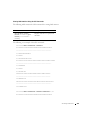
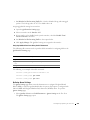
The following table summarizes the equivalent CLI commands for viewing fields displayed
in the SNMP Community page.
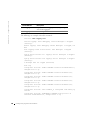
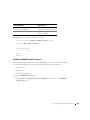
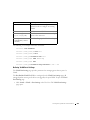
CLI Command
Description
snmp-server community
string [ro | rw | su]
[ip-address]
Sets up the community access string to
permit access to SNMP protocol.
show snmp
Checks the status of SNMP communications.
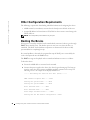
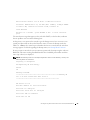
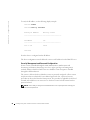
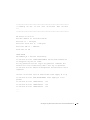
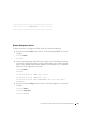
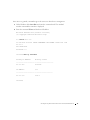
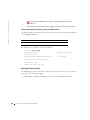
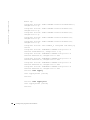
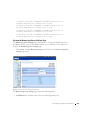
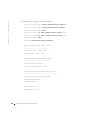
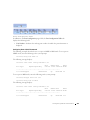
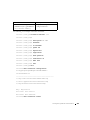
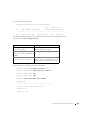
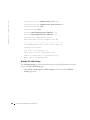
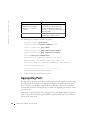
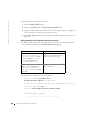
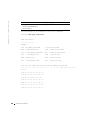
The following is an example of the CLI commands:
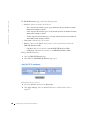
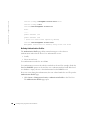
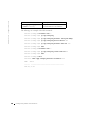
Console (config)# snmp-server community public su 0.0.0.0
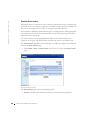
Defining Traps
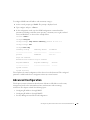
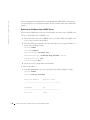
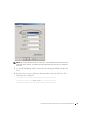
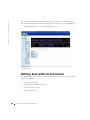
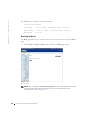
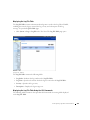
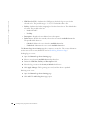
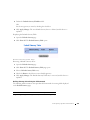
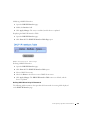
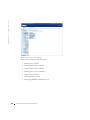
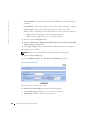
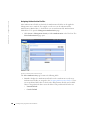
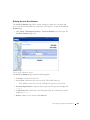
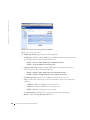
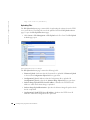
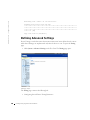
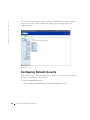
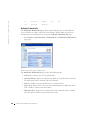
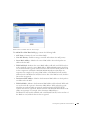
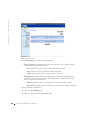
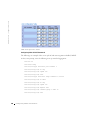
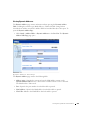
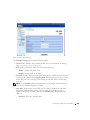
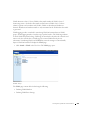
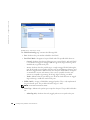
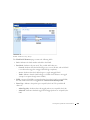
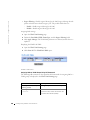
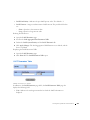
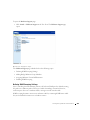
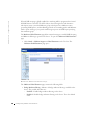
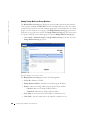
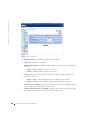
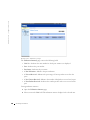
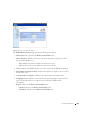
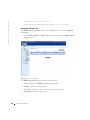
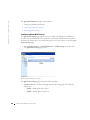
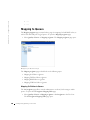
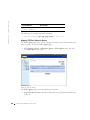
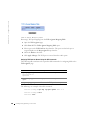
From the SNMP Trap Settings page, the user can enable or disable the device to send
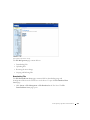
SNMP traps or notifications. To open the SNMP Trap Settings page:
•
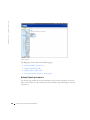
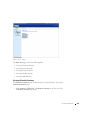
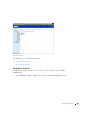
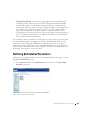
Click System > SNMP > Traps in the Tree View. The SNMP Trap Settings page
opens.
C o n f i g u r i n g S y s t e m I n f o r ma t i o n
171