1
w w w. d e l l . c o m | s u p p o r t . d e l l . c o m
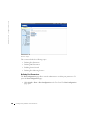
Assigning Authentication Profiles
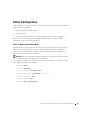
After Authentication Profiles are defined, the Authentication Profiles can be applied to
Management Access methods. For example, console users can be authenticated by
Authentication Method Lists 1, while Telnet users are authenticated by Authentication
Method List 2. To open the Management Authentication page:
•
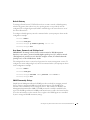
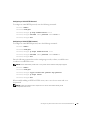
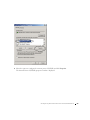
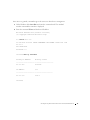
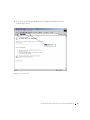
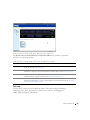
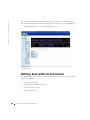
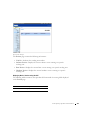
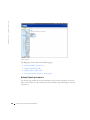
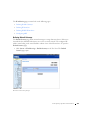
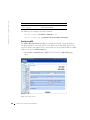
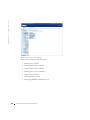
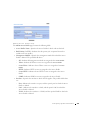
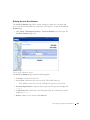
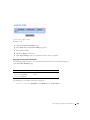
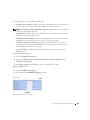
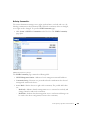
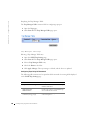
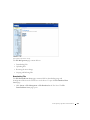
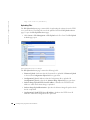
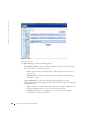
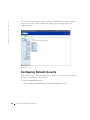
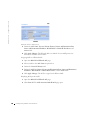
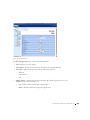
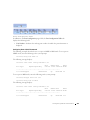
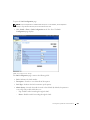
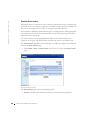
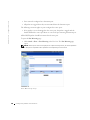
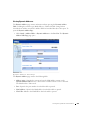
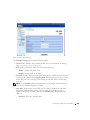
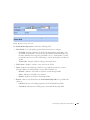
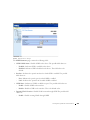
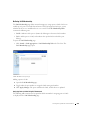
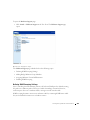
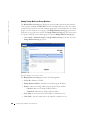
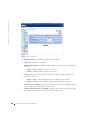
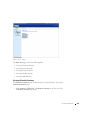
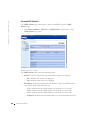
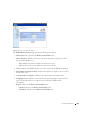
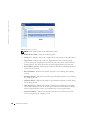
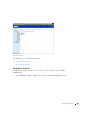
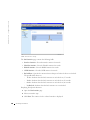
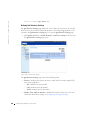
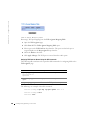
Click System > Management Security > Select Authentication in the Tree View. The
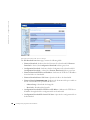
Select Authentication page opens.
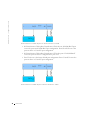
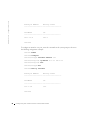
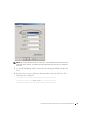
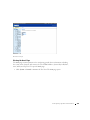
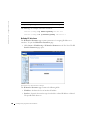
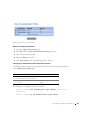
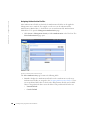
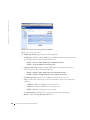
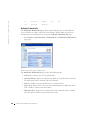
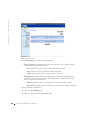
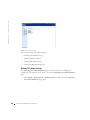
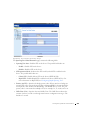
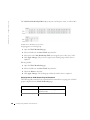
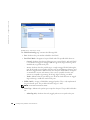
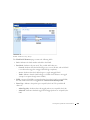
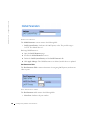
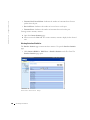
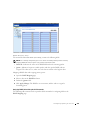
Select Authentication Page
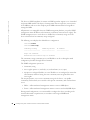
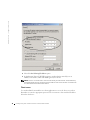
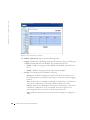
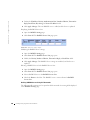
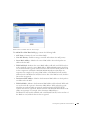
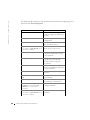
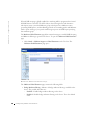
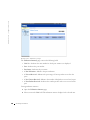
The Select Authentication page contains the following fields:
•
152
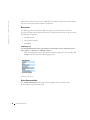
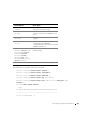
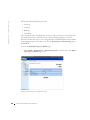
Console—Displays the Authentication Profiles used to authenticate console users.
Authentication Profiles are assigned in the "Assigning Authentication Profiles". There
are two predefined field values to which other Authentication Profiles can be added.
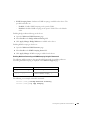
However the predefined values cannot be deleted. The predefined field values are:
–
Network Default
–
Console Default
Configuring System Infor m ation