1
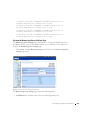
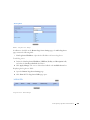
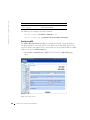
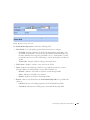
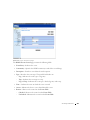
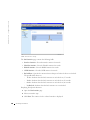
A C E s A s s o c i a t e d w i t h I P- A C L
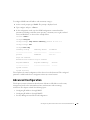
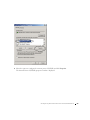
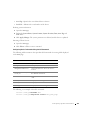
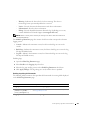
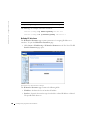
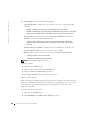
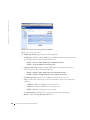
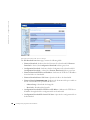
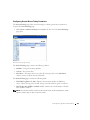
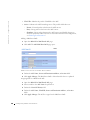
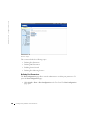
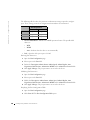
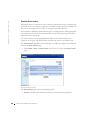
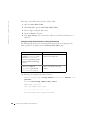
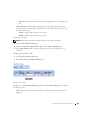
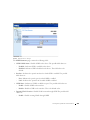
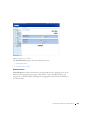
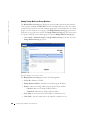
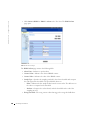
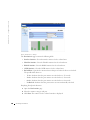
Modifying an IP-based ACE:
1
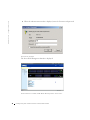
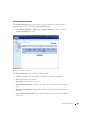
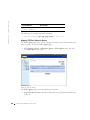
Open the Add ACE to IP Based ACL page.
2
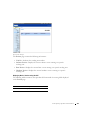
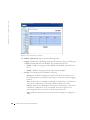
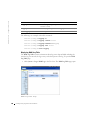
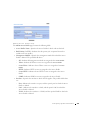
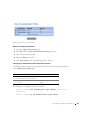
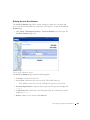
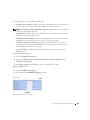
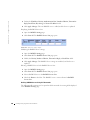
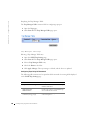
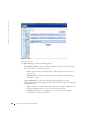
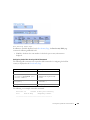
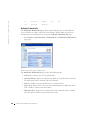
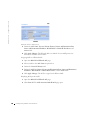
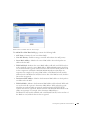
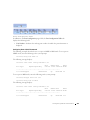
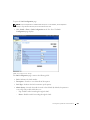
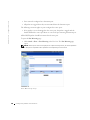
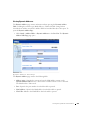
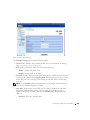
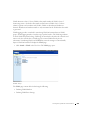
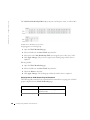
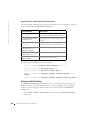
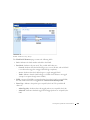
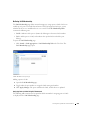
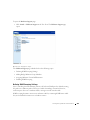
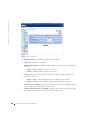
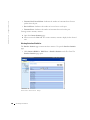
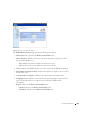
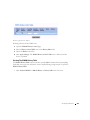
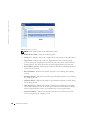
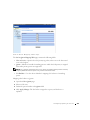
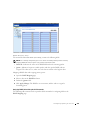
Click Show All.The ACEs Associated with IP-ACL page opens.
3
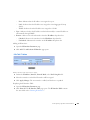
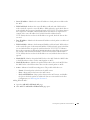
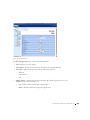
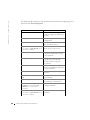
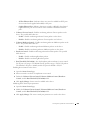
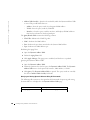
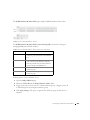
Modify the ACL Name, New Ace Priority, Protocol, Source and Destination Port,
Source and Destination IP Address, Match DSCP or Match IP Precedence, and
Action fields.
4
Click Apply Changes. The IP-based ACEs is modified, and the device is updated.
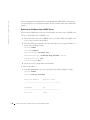
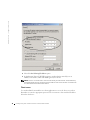
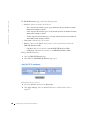
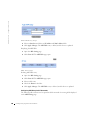
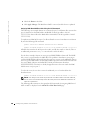
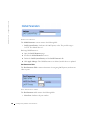
Removing ACLs:
1
Open the Add ACE to IP Based ACL page.
2
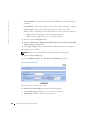
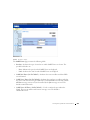
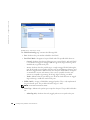
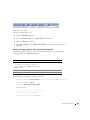
Click Show All.The ACEs Associated with IP-ACL page opens.
3
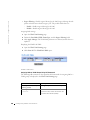
Select an ACL.
4
Check the Remove ACL check box.
5
Click Apply Changes. The IP-based ACL is removed, and the device is updated.
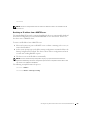
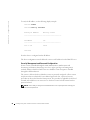
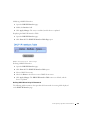
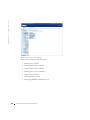
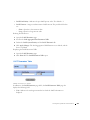
Removing ACEs:
1
Open the Add ACE to IP Based ACL page.
2
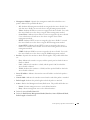
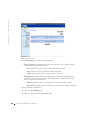
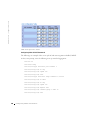
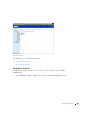
Click Show All.The ACEs Associated with IP-ACL page opens.
3
Select an ACE.
4
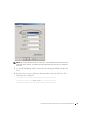
Check the Remove check box.
5
Click Apply Changes. The IP-based ACE is removed, and the device is updated.
Configuring Switch Infor mation
199