1
Chapter 5 Running Diagnostic Programs
Running the Move Medium Test
Running the Move Medium Test
5
The Move Medium test simulates the movements performed when
a SCSI Move Medium command is received via the SCSI interface.
To run the Move Medium test:
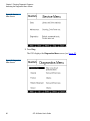
1 Access the Diagnostics Menu screen (see Accessing the
Diagnostics Menu Screen on page 85).
2 Press the Up and Down buttons to select General.
3 Press Select.
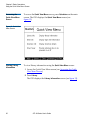
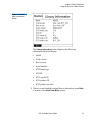
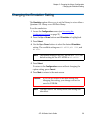
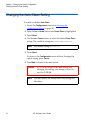
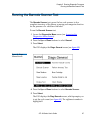
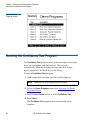
The GUI displays the Diags: General screen (see figure 48).
4 Press the Up or Down buttons to select Move Medium.
5 Press Select.
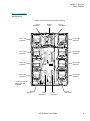
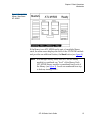
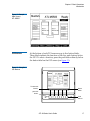
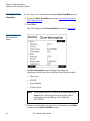
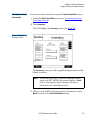
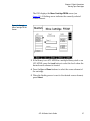
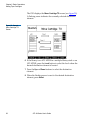
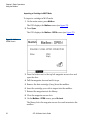
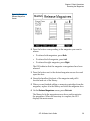
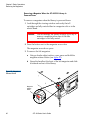
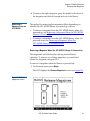
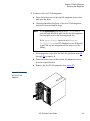
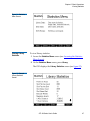
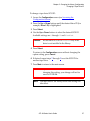
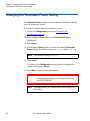
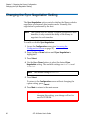
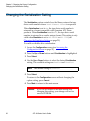
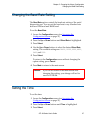
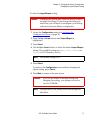
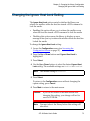
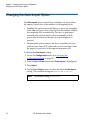
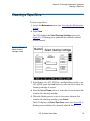
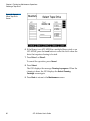
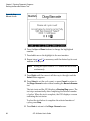
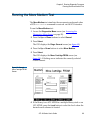
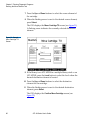
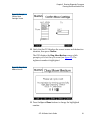
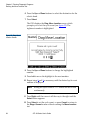
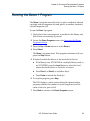
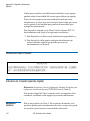
The GUI displays the Move Cartridge FROM screen (see
figure 50). A flashing arrow indicates the currently selected
source element.
Figure 50 Sample
Move Cartridge FROM
Screen
6 If the library is an ATL M1500 in a multiple library stack or an
ATL M2500, press the Level button to select the level where the
desired source element is located.
ATL M-Series User’s Guide
89