1
Chapter 6 Running the Demonstration Programs
Running the Confidence Test Program
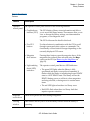
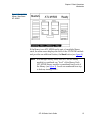
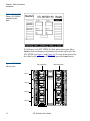
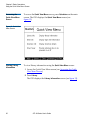
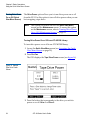
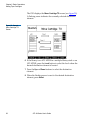
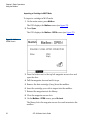
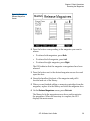
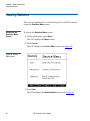
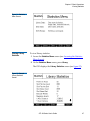
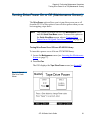
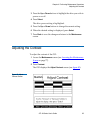
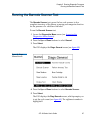
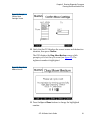
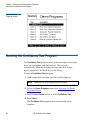
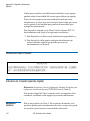
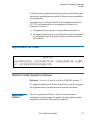
Figure 56 Demo
Programs Screen
Running the Confidence Test Program
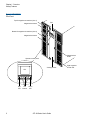
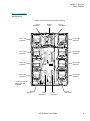
The Confidence Test program moves a data cartridge to each tape
drive, each magazine, and the fixed slot. The test ends
automatically when the cartridge has been placed in all tape
drives, magazines, and fixed slots in the library.
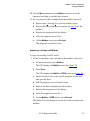
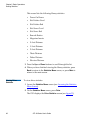
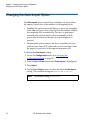
To run the Confidence Test program:
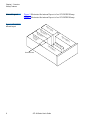
1 Load a single data cartridge into the top left magazine.
Note:
Leave all the other magazine slots empty.
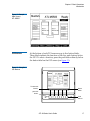
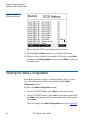
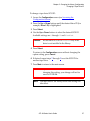
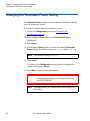
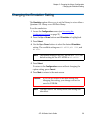
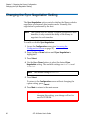
2 Access the Demo Programs screen (see Accessing the Demo
Programs Screen).
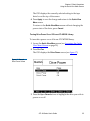
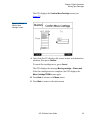
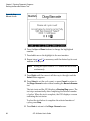
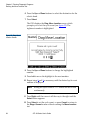
3 Press the Up or Down buttons to select Confidence Test.
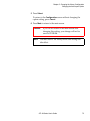
4 Press Select.
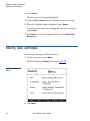
The Confidence Test program ends automatically when
complete.
98
ATL M-Series User’s Guide
6