1
iAdvise
8.2
Docufy
L OGGING
Although the Docufy team have done their utmost to create a high-quality, error-free application, there
is always a possibility that errors might have slipped through.
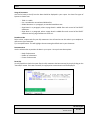
If you encounter any errors, please contact the Docufy support team at ([email protected]). Depending on
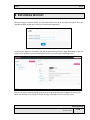
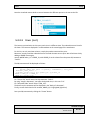
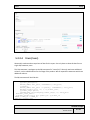
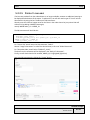
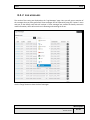
the problem, we might ask you to trace certain packages. There are two ways of doing this: through the
"Log Configs" and "Log Messages".
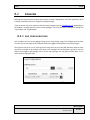
8.2.1 L OG CONFIGURATIONS
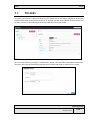
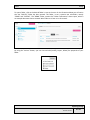
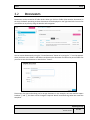
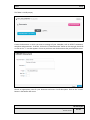
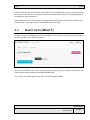
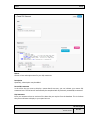
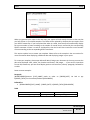
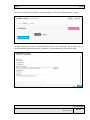
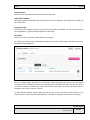
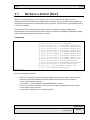
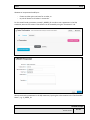
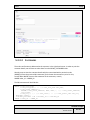
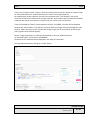
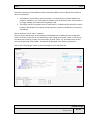
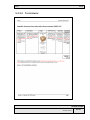
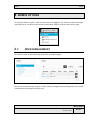
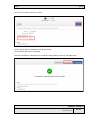
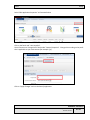
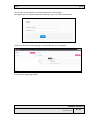
You can adjust the level of the logging settings on the "Log Configs" page. This will determine the level
of severity of the messages to be transmitted and to be logged in the performance of the package.
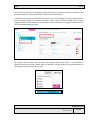
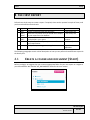
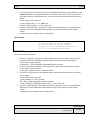
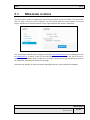
The log levels vary from 1 to 6, with log level 1 being the most strict and will therefore allow the least
amount of messages to go through: only these error messages will be displayed. Log level 6 not only
allows all messages to go through, such as errors and warnings, but also general information. This is
really useful to debug the code.
Admin options
Docufy - User Manual
Version: 01.01
51 - 60