1
APPEL
Export the XML file from APPEL
APPEL > eDocument > Export
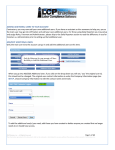
Create or open an eDocument in APPEL online. The 'Export' function of the eDocument is shown.
Profiles
♦
♦
People who can export the xml file have:
An Encoder profile.
A Sender profile.
Export the xml file from APPEL
1.
2.
3.
4.
5.
Create a draft eRequest (or another draft eDocument) or open an existing draft file.
Click on 'Export' to export the xml file.
A window 'file download' will be shown.
Click on 'Save'.
Save the xml file on your pc or on another location (USB,...).
Tips
♦
This xml file will be used to work with the PDF eSingleForm 2014.
124