1
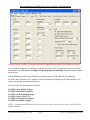
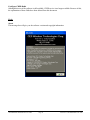
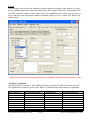
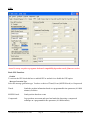
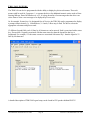
After initialization the following screen (or similar) will then appear.
Actual view may vary due to programs backward compatibility dependent on the firmware version.
Lets first take a look at the screen layout. From the top of the screen you can select from a row of drop
down menus, e.g. File, Device, Configure, Program, Diagnostics and Help. This menu always remains
on the screen.
Selecting Device provide access to different operational aspects of the TRK-240 programming.
All of the other selections, File, Configure, Program, Diagnostics and Help provide the capability to do
routine organization and programming tasks.
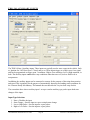
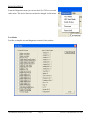
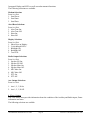
Device provides five programming selections:
Set TRK-240 to Default Settings
Set TRK-240 System Parameters
Set TRK-240 Predefined Messages
Set TRK-240 geo-STATUS™
Set TRK-240 Legends/Sub Menus
Set TRK-240 Auxiliary Inputs
NOTE: A Configuration file must be created for each of these selections used except “Set TRK-240 to
Default Settings”
CES WIRELESS SUPPORT 407-679-9440
Page 21
MAN104 © CES WIRELESS 1997-2006