1
2.2.6
Navigation via the menu
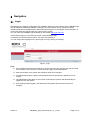
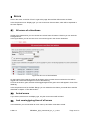
The menu is on the left side of the webpage. Via the links listed you get to the specific themes.
Figure 5: Main menu
2.2.7
Breadcrumbs navigation line
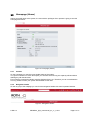
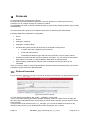
By clicking on the fields in the breadcrumbs navigation line you can get to the specific themes, too
(You are here …) and you can see were you are, respectively, how you get there. This is useful in
cases you are already in the 4th or 5th level.
2.2.8
Footer
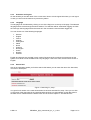
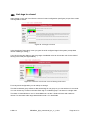
In the footer you find a link to the start page „home“ , a logout button and an arrow to get back to the
top of the page.
Figure 6: Footer
6-Mar-14
PRNetBox_light_usermanual_en_v1_11.doc
Page 7 of 31