1
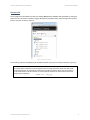
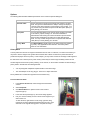
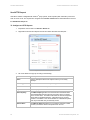
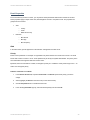
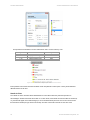
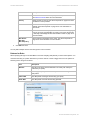
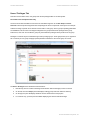
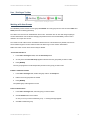
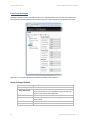
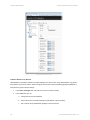
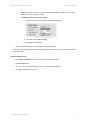
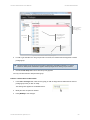
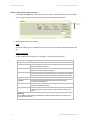
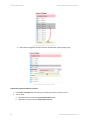
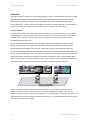
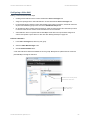
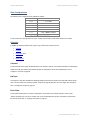
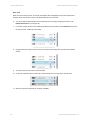
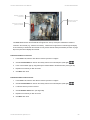
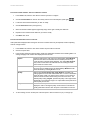
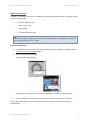
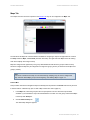
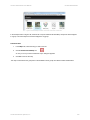
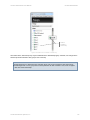
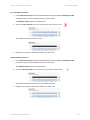
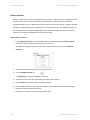
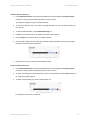
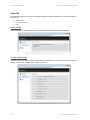
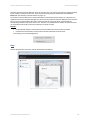
Ocularis Administrator User Manual Ocularis Administrator TO DELETE A DISTRIBUTION GROUP 1. In the Distribution Groups Tab, select the Distribution Group you wish to delete. 2. Click the Delete button. 3. In the “Are you sure you want to delete the distribution group…” pop-up, click Yes to delete the group. Distribution Groups There are six (6) parameters to configure for each Distribution Group: Events Users Actions Video Walls Weekly Schedule Holiday Schedule Figure 124 Distribution Group parameters On-Net Surveillance Systems, Inc. 123