1
Ocularis Administrator User Manual
4.
Ocularis Administrator
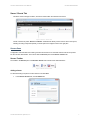
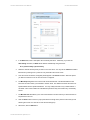
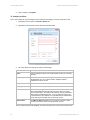
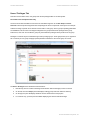
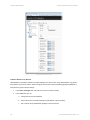
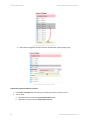
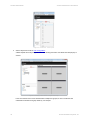
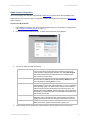
When complete, click Add.
The email has been configured but has not been assigned to any particular alert. This association is done in the
Distribution Groups tab. See Actions on page 126.
Once an email has been configured, you may test, edit or delete it.
To Test an Email
You can test the functionality of a configured email.
1.
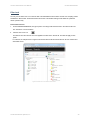
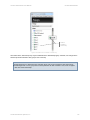
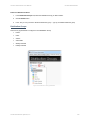
Expand the Actions node in the Servers / Events tab.
2.
Expand the Send Email item.
3.
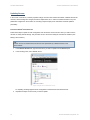
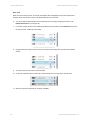
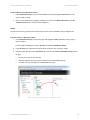
Right-click the configured email list item and select Test…
4.
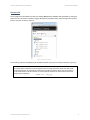
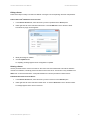
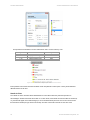
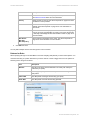
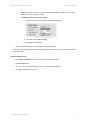
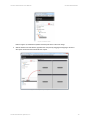
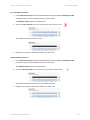
A pop-up appears indicating that a test move will be issued.
5.
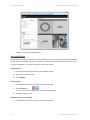
Click Send to send a test email.
6.
Click OK when the Test Status pop-up appears.
To Edit an Email
You can edit the configuration of an email if necessary.
1.
Expand the Actions node in the Servers / Events tab.
2.
Expand the Send Email item.
3.
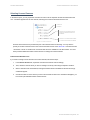
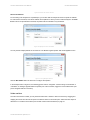
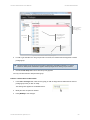
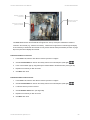
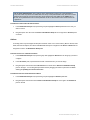
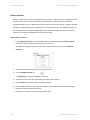
Right-click the configured email list item and select Edit…
4.
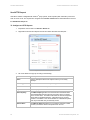
Modify the changes as needed.
5.
Click Update to save changes.
To Delete an Email
You can delete a configured email if necessary.
1.
Expand the Actions node in the Servers / Events tab.
2.
Expand the Send Email item.
3.
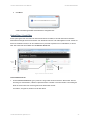
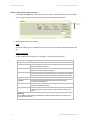
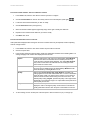
Right-click the configured email list item and select Delete…
4.
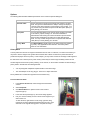
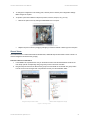
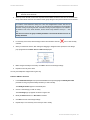
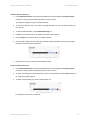
An ‘Are you sure you want to delete…” pop-up is displayed. Click Yes to confirm the deletion.
On-Net Surveillance Systems, Inc.
23