1
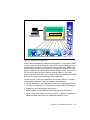
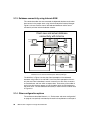
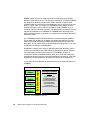
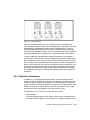
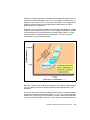
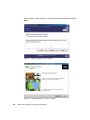
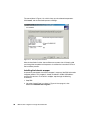
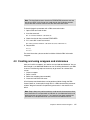
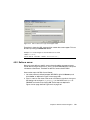
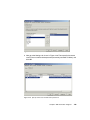
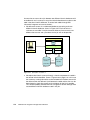
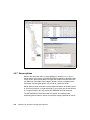
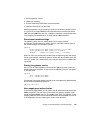
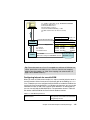
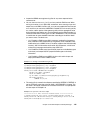
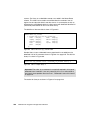
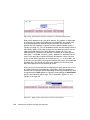
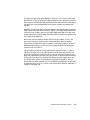
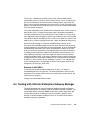
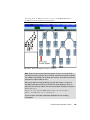
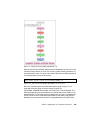
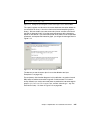
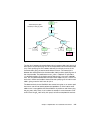
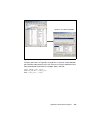
Figure 4-22 Choose data source type and wrapper name
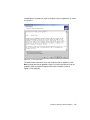
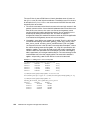
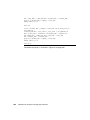
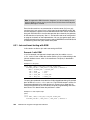
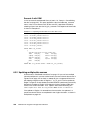
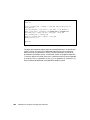
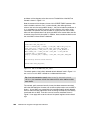
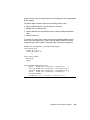
Example 4-2 shows the SQL command that creates the same wrapper. This can
be seen by clicking the Show SQL button.
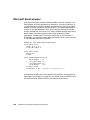
Example 4-2 Create wrapper for Informix data sources -SQL
CONNECT TO stores;
CREATE WRAPPER “INFORMIX” LIBRARY ’db2informix.dll’;
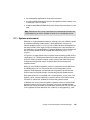
4.3.2 Define a server
Now we have to define a specific server where the tables you want to access
reside. We want to get access to ifx_winsvr_tcp (INFORMIXSERVER value) with
a database called stores. Therefore we define a server called IFXWIN.
Here are the steps with DB2 Control Center:
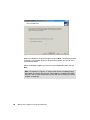
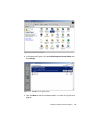
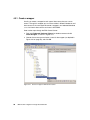
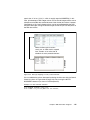
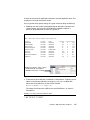
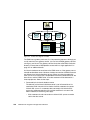
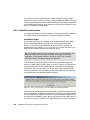
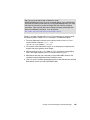
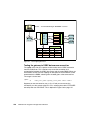
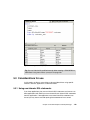
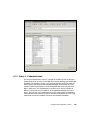
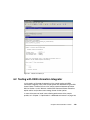
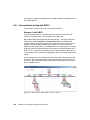
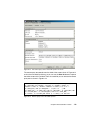
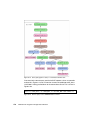
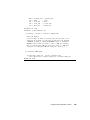
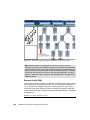
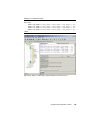
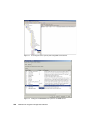
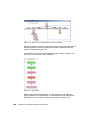
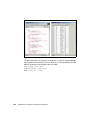
1. Go to the previously defined wrapper INFORMIX, right-click Servers, and
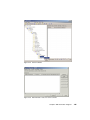
click Create, as depicted in Figure 4-23 on page 100.
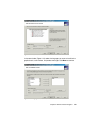
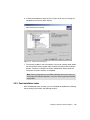
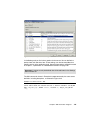
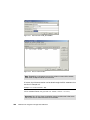
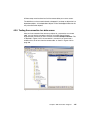
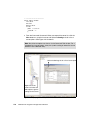
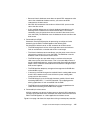
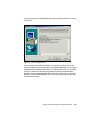
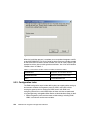
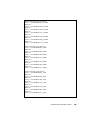
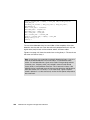
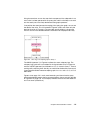
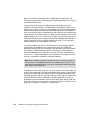
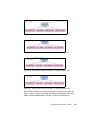
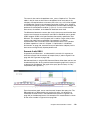
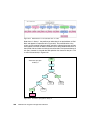
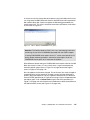
2. Type in IFXWIN as the name of the server and select as version 9, then go to
the Settings tab and type in ifx_winsvr_tcp as the NODE and stores as
DBNAME and continue by clicking OK. These steps are depicted in
Figure 4-24 on page 100 and Figure 4-25 on page 101.
Chapter 4. DB2 Information Integrator
99