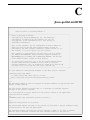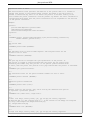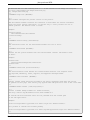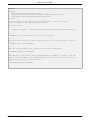
1
CMS Portlet
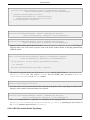
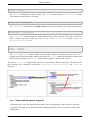
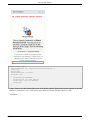
side of the portlet window altogether.
21.2. Features
The CMSPortlet handles all requests for all content types.
The methodology of serving content within the CMSPortlet, allows for some beneficial features, like:
1.
Search-engine friendly URLs: http://domain/[portal]/content/company.html
2.
Serve binaries with simple urls independent of the portal: http://domain/content/products.pdf
3.
Deploy several instances of the CMSPortlet on any page and configure them to display different start pages.
4.
Localization support: CMSPortlet will display content based on the user request locale, or display content using the default locale setting.
21.3. CMS content
Since 2.6 displaying CMS content in the portal is done using the new content integration feature. Each window of
the portal can be configured to display CMS content directly instead of having to configure the CMS portlet as it
used to be.
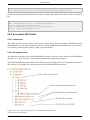
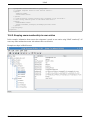
21.3.1. Configuring a window to display CMS content
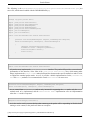
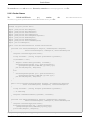
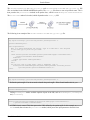
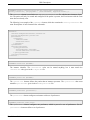
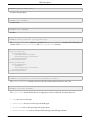
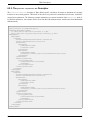
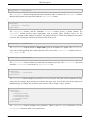
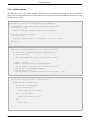
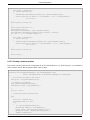
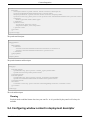
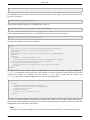
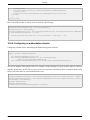
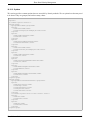
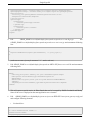
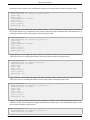
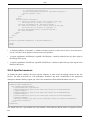
Showing CMS content in a portal window can be done in the deployment descriptor quite easily
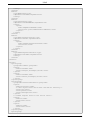
<window>
<window-name>MyCMSWindow</window-name>
<content>
<content-type>cms</content-type>
<content-uri>/default/index.html</content-uri>
</content>
<region>center</region>
<height>1</height>
</window>
At the first display of the window, the content is initialized with the content uri value. When the user clicks on a
link that navigates to another CMS file, the CMS file will be shown in the same window.
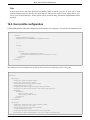
21.4. CMS Configuration
21.4.1. Display CMS content
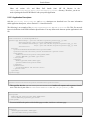
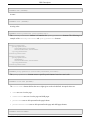
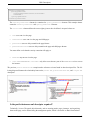
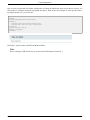
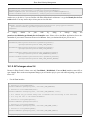
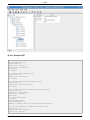
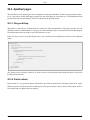
Since 2.6 displaying CMS content in the portal is done using the new content integration feature. The portal is also
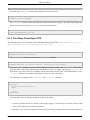
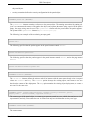
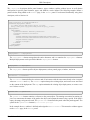
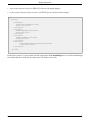
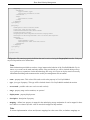
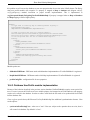
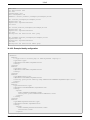
able to map urls content to the CMS through a specific window. The CMS portlet default page is defined as a preference and can be overridden like any other preference up to the user's preference level. The default CMS portlet
JBoss Release 2.6.5
230