1
How to use the Lynx Help system
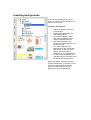
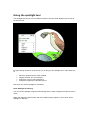
You can navigate through the Help by using:
• the hypertext links within the text
• on the home page
• and in the top-right corner of all other pages.
Hypertext links within the text
Hypertext links are coloured and underlined pieces of text. Clicking on a link reveals new
information. This Help system uses three different types of link. In other words, when you click
on them they show the new information in different ways:
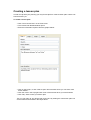
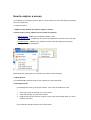
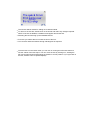
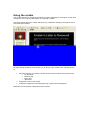
• Ones that take you either to another Help page or to a different place within the same
Help page
(The two links above are examples of the latter.)
The easiest way to get back to the page or place you were at is to click your browser's
Back button.
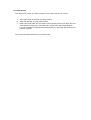
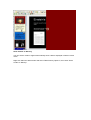
• Ones that open a small 'popup' window containing short pieces of Help information.
Close the popup by clicking anywhere on the Help page.
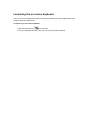
• Ones that reveal extra explanatory text in a paragraph directly below or next to the link.
You can hide this extra information by clicking on the link again.