1
•
Document Amount
Statement Data
The Statement Data scrolling window displays the Document Number, Type, Date, Amount and
Comments.
Document Number
This is the Document Number as captured in the Capture Statement window.
Type This is the document Type as captured in the Capture Statement window.
Date
This is the document Date as captured in the Capture Statement window.
Amount
This is the original document Amount as captured in the Capture Statement window.
Comments
This field allows the user to insert comments pertaining to a particular document. These comments
will be printed on the Reconciliation Statement Report.
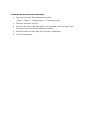
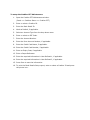
The documents in the scrolling windows can be sorted by one of the following options:
•
Document Number
•
Document Type
•
Document Date
•
Document Amount
•
Holds
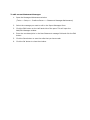
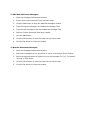
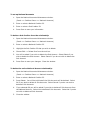
This button, when pressed, opens the Hold Inquiry History window. This window allows the user to
view the documents pertaining to the Creditor, that were placed on hold, either fully or partially.
Document Number
The Document Number is the number of the document.
Type
The Type is the document Type.
Hold
Hold is marked if the document has been placed on hold.
Document Amount
The Document Amount is the original document amount.
Hold Amount
The Hold Amount is the amount that has been placed on hold.
Amount Remaining