1
2.3. COMPARING TWO GROUPS
17
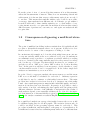
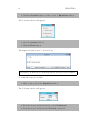
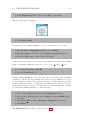
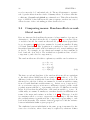
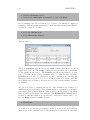
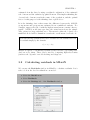
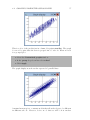
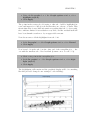
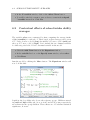
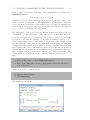
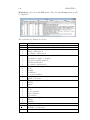
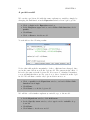
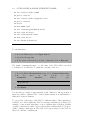
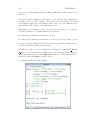
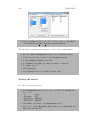
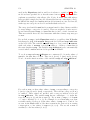
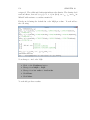
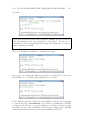
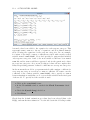
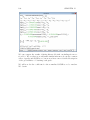
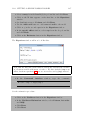
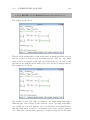
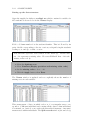
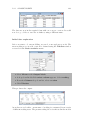
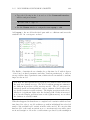
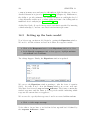
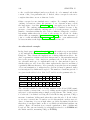
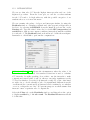
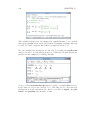
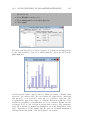
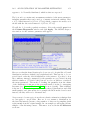
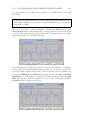
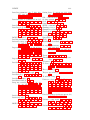
After you have made a selection for N levels:, the Y variable window expands
to allow you to specify the variable(s) containing identification codes for units
at each level:
• From the drop-down list labelled level 1(i):, select student
• Click done
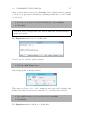
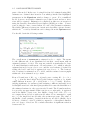
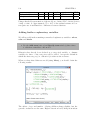
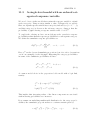
Note that level 1 corresponds to the level at which the response measurements were made.
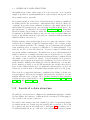
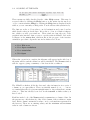
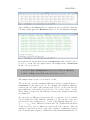
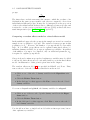
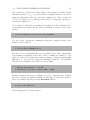
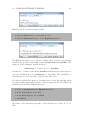
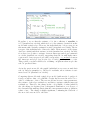
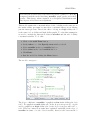
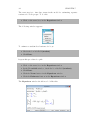
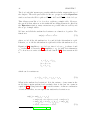
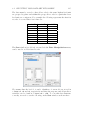
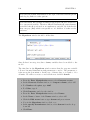
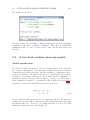
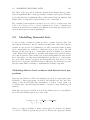
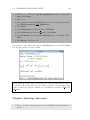
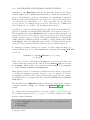
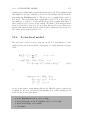
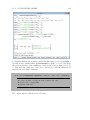
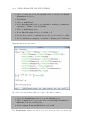
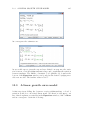
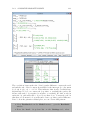
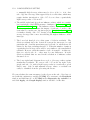
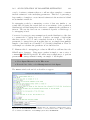
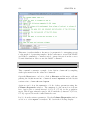
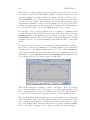
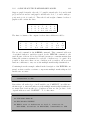
The Equations window now looks like this:
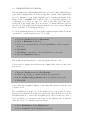
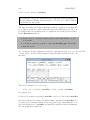
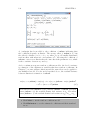
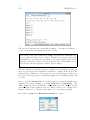
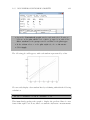
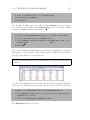
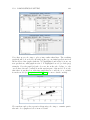
Now we need to add the gender variable:
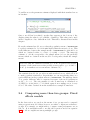
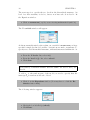
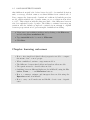
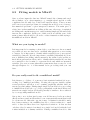
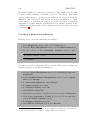
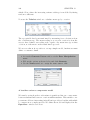
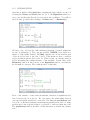
• Click the Add Term button
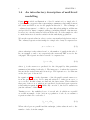
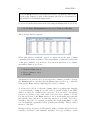
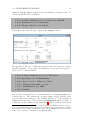
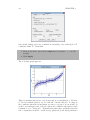
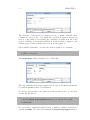
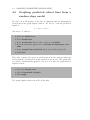
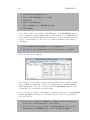
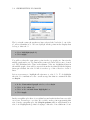
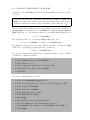
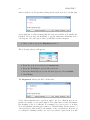
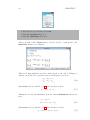
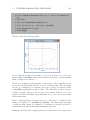
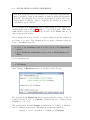
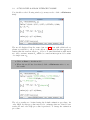
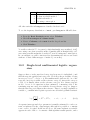
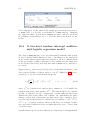
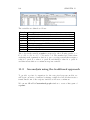
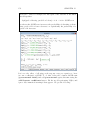
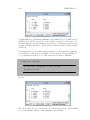
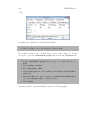
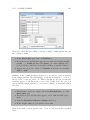
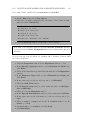
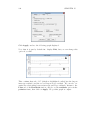
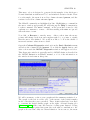
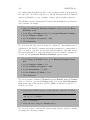
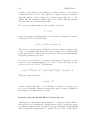
This brings up the following window:
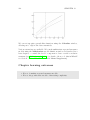
This window allows you to add continuous and categorical variables and
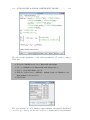
higher level interactions between variables. To add the gender variable:
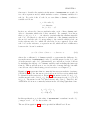
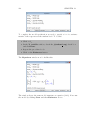
• Select girl from the drop-down list labelled variable
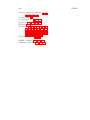
• Click Done
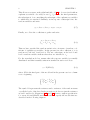
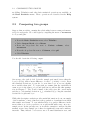
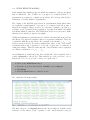
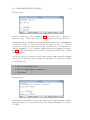
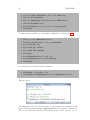
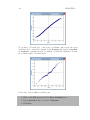
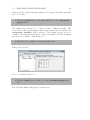
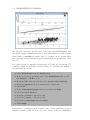
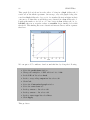
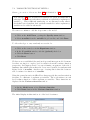
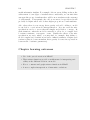
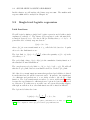
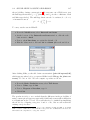
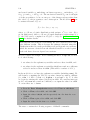
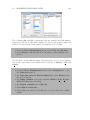
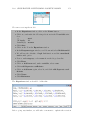
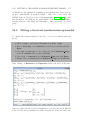
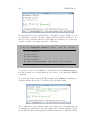
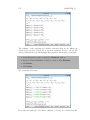
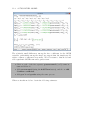
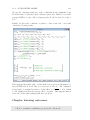
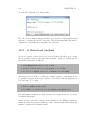
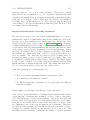
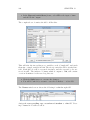
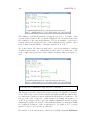
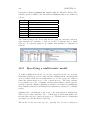
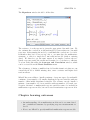
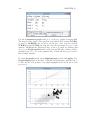
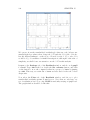
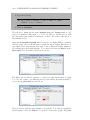
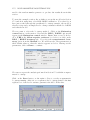
The Equations window will now look like this: