1
P a g e | 35
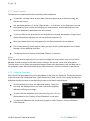
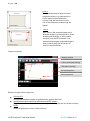
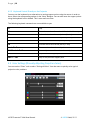
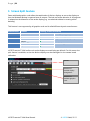
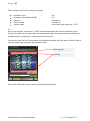
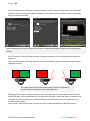
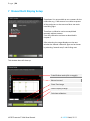
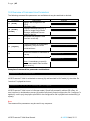
This window contains the tools know from the “warping” chapter. In addition there is the “mouse
invert button” that should be activated when working looking at the projected image.
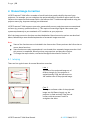
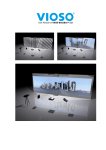
The test image must be arranged in position and size so that aberrations in the overlap area of the
projectors can be identified easily.
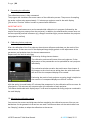
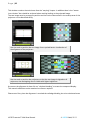
Use the tools to position the test image for an optimal better visualization of
the alignment of the projectors
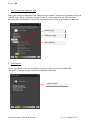
Use the tools to position the projectors so that the test image is aligned on all
projectors; the overlapping area is visible with higher brightness.
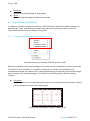
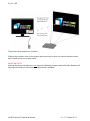
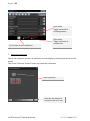
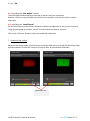
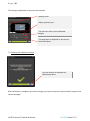
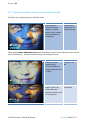
As soon as the alignment is done click on “calculate blending” to create the compound display.
This manual calibration can be reworked as often as required.
Please note: Every time the alignment is touched the softedge blending has to be calculated anew.
VIOSO Presenter™ Multi User Manual
© VIOSO GmbH, 2011