1
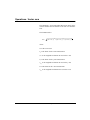
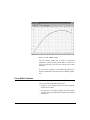
actions inside complex objects. For example; it sets the
graph cursor, or selects the current curve in a graph’s legend.
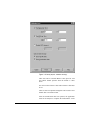
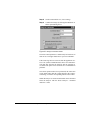
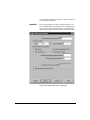
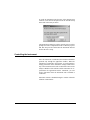
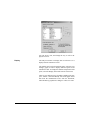
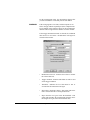
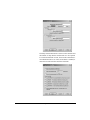
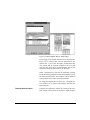
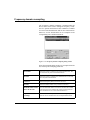
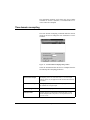
The selection mode is specified with the Ctrl key. The application supports both combinations (Ctrl pressed to move Ctrl released to set cursors, or Ctrl released to move - Ctrl
pressed to set cursors). The selection of which combination
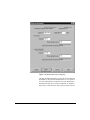
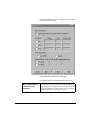
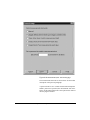
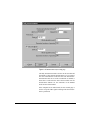
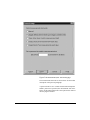
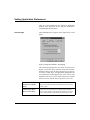
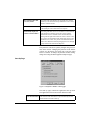
to use is made in the Preferences window.
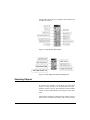
There are several procedures that can be used to select
objects in the Document Window. All of the listed procedures assume that the Selection tool is already the active
tool.
•
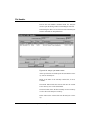
To select a single object, move the pointer over the
object and press the left mouse button. Any objects that
were previously selected become unselected.
•
To select two or more objects, hold down the SHIFT key
while making your selection. This retains previously
selected objects and includes the newly selected object in
the selection list. If you click on a previously selected
object it will be removed from the selection list.
•
To select all the objects that intersect a given rectangle,
click outside any object and drag the mouse pointer to
form the required rectangle, then release the mouse button.
•
To select all the objects in the active layer of the current
page use the command Select All from the Edit menu or
press CTRL-A.
•
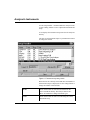
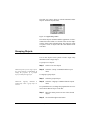
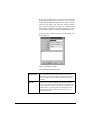
To resize an object, first select the object. A variable
number of small square handles will surround the
selected object. Move the pointer over a handle until the
cursor changes shape. Press the left mouse button and
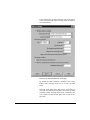
drag the handle. The size of the handles can be adjusted
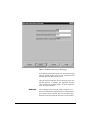
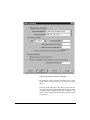
in the preferences window.
•
If the cursor does not change shape when moved over a
handle, then the object cannot be resized, the handle is
not a valid resize handle, or the object can be resized but
it is in the locked state. Resize is disabled when there are
multiple selections.
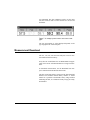
The selection tool has two operation modes; one to select,
move and resize objects; the other to select parts of a composite object (graph) and to set the cursor position.
11/28/01
Objects
10-3