1
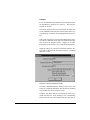
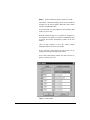
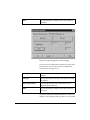
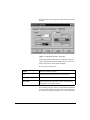
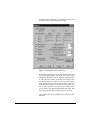
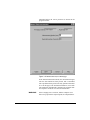
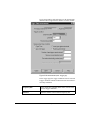
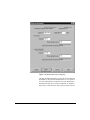
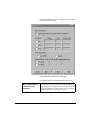
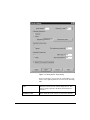
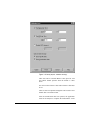
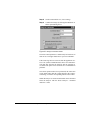
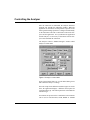
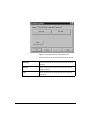
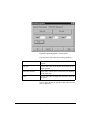
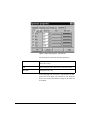
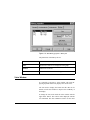
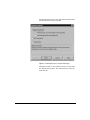
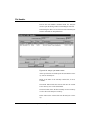
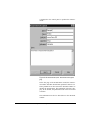
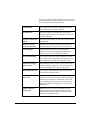
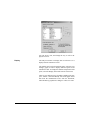
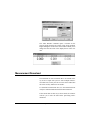
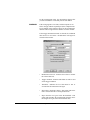
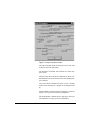
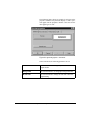
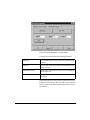
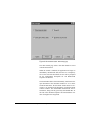
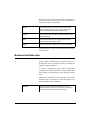
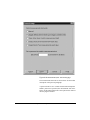
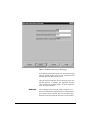
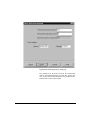
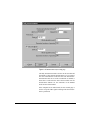
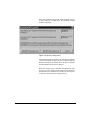
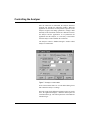
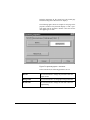
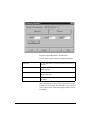
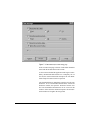
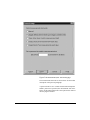
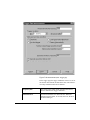
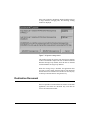
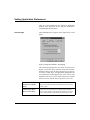
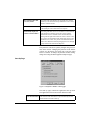
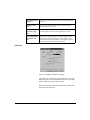
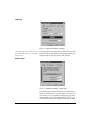
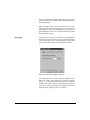
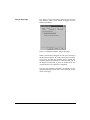
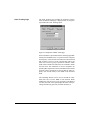
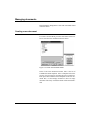
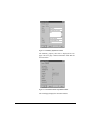
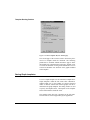
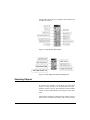
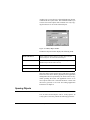
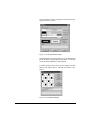
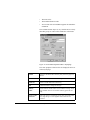
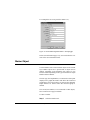
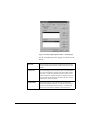
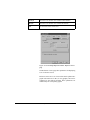
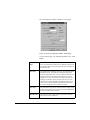
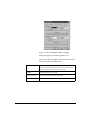
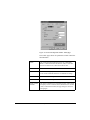
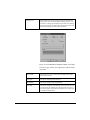
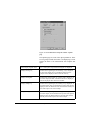
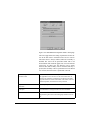
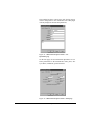
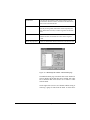
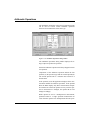
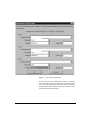
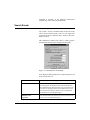
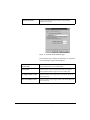
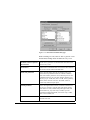
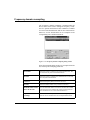
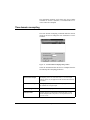
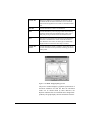
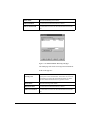
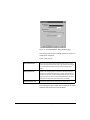
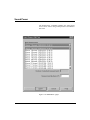
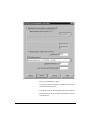
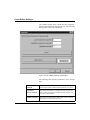
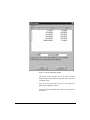
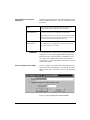
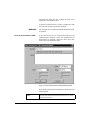
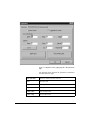
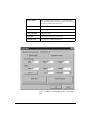
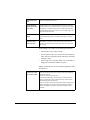
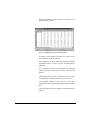
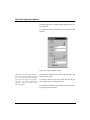
The Title page sets the following parameters:
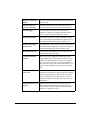
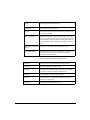
Title Mode
This parameter enables or disables the table title. The choices
are: None, do not draw the title; Data Source Description, display the data source description as table title; User Title, displays a user text as title.
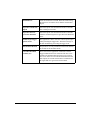
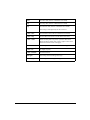
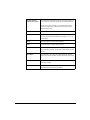
User Title
This field has the text for the User Title mode.
Title Font…
Click this button to select the title font.
Title Height
Use this field to set the height of the title rectangle.
Align
Use this field to set title text alignment.
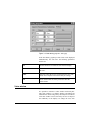
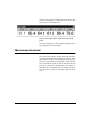
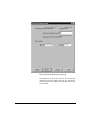
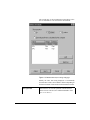
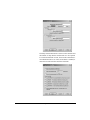
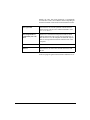
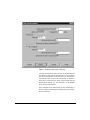
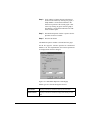
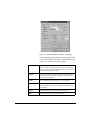
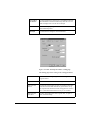
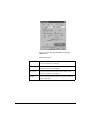
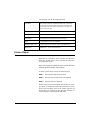
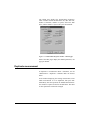
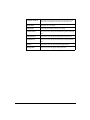
Display Header Label
Use this check box to enable or disable value headers, and
Header Font
Header Font… to select the header font.
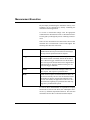
Picture Object
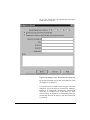
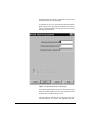
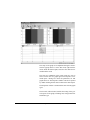
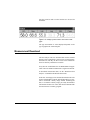
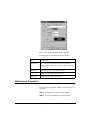
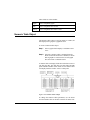
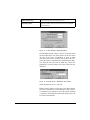
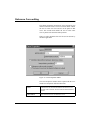
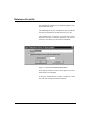
With DNA it is possible to insert a picture onto the document page. Picture objects can be resized in the same manner as the other objects.
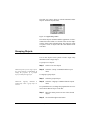
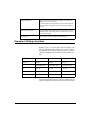
DNA will recognize four different picture formats. Windows
Metafile, Windows Bitmap, TIF, and JPEG.
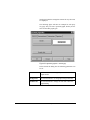
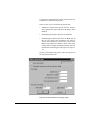
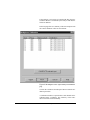
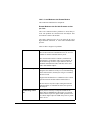
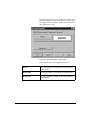
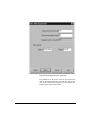
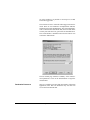
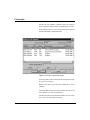
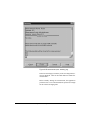
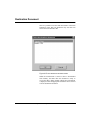
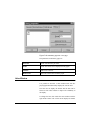
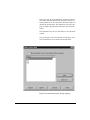
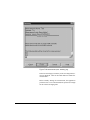
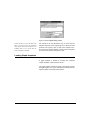
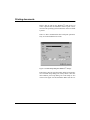
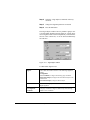
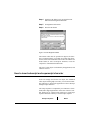
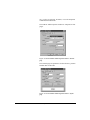
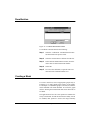
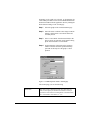
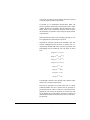
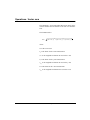
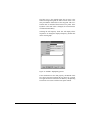
To insert a picture object, follow the following steps:
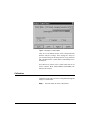
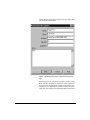
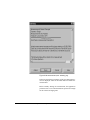
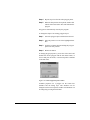
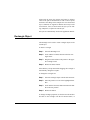
Step 1
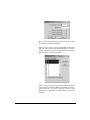
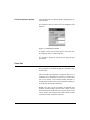
Select Picture from the insert menu.
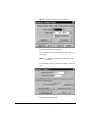
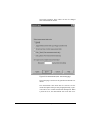
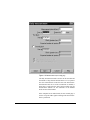
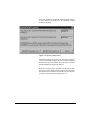
Step 2
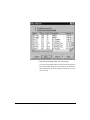
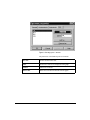
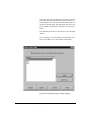
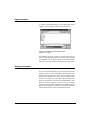
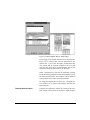
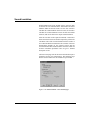
Select the file type that needs to be imported.
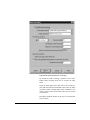
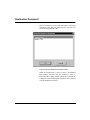
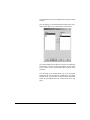
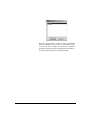
Step 3
Select the file to be imported.
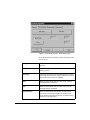
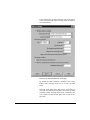
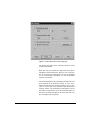
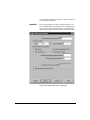
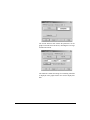
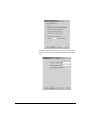
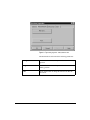
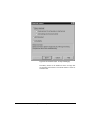
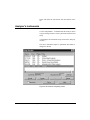
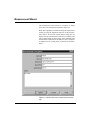
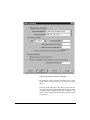
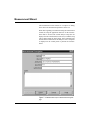
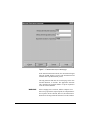
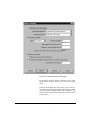
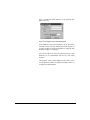
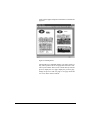
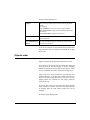
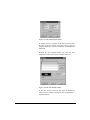
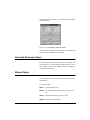
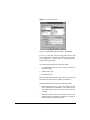
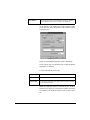
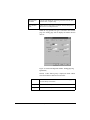
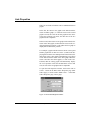
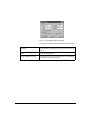
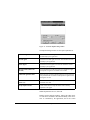
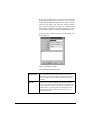
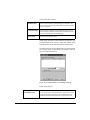
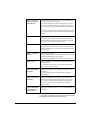
Picture objects can be resized in the same manner as rectangle objects. To change the picture object parameters, use the
Select Tool and double click on the picture with the left
mouse button, or select the picture and press Alt-Enter, or
use the Properties command in the Edit menu.
10-60
DNA User Manual
11/28/01