1
SVAN 979 USER'S MANUAL______________________________________________________
_
<ENTER>
<6>
<ENTER>
<ENTER>
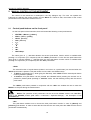
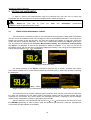
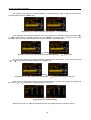
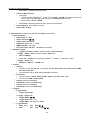
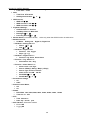
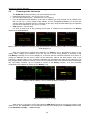
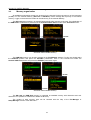
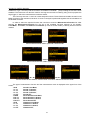
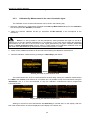
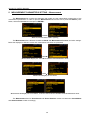
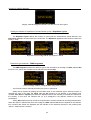
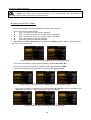
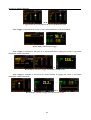
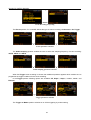
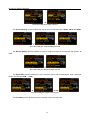
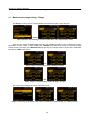
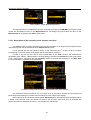
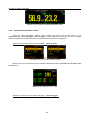
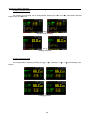
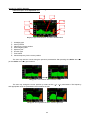
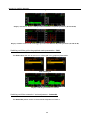
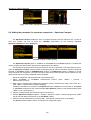
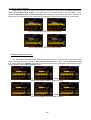
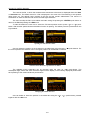
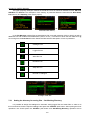
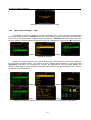
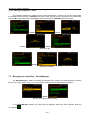
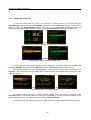
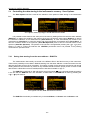
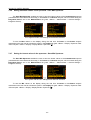
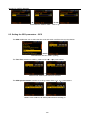
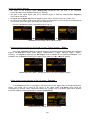
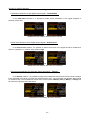
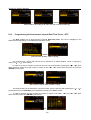
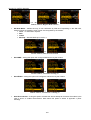
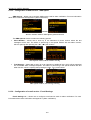
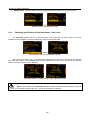
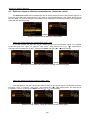
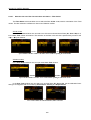
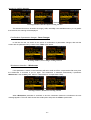
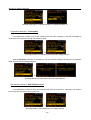
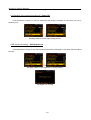
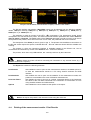
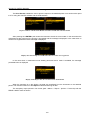
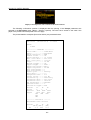
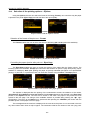
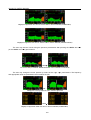
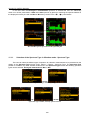
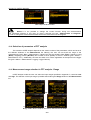
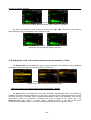
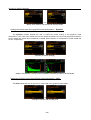
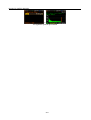
1/1 Octave analysis mode activation
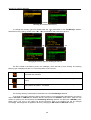
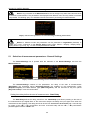
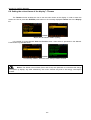
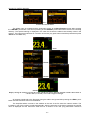
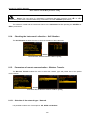
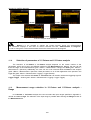
Notice: It is not possible to change the current function during the measurements.
The instrument displays in this case for about 2 seconds the text: ”Measurement in Progress”.
In order to change the current measurement function the instrument must be stopped!
11.2.
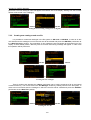
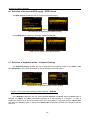
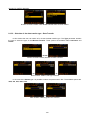
Selection of parameters of 1/1 Octave and 1/3 Octave analysis
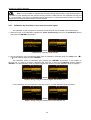
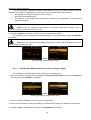
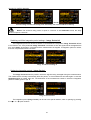
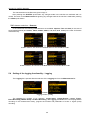
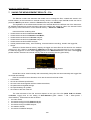
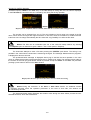
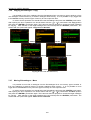
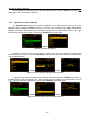
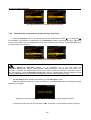
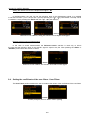
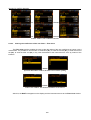
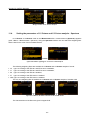
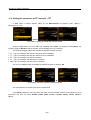
The execution of 1/1 Octave or 1/1 Octave analysis depends on the certain number of the
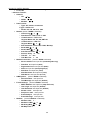
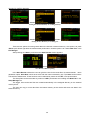
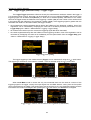
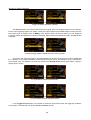
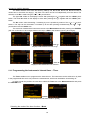
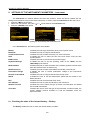
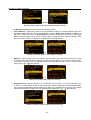
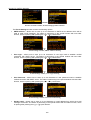
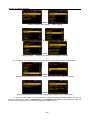
parameters, which can be set in the different windows of the Measurement list. Namely, the user can set
there the range of the measurements (path: <Menu> / Measurement / Range) and Filter (path: <Menu> /
Measurement / Spectrum). Additionally, the user can set or be informed about the Band of the analysis
(path: <Menu> / Measurement / Spectrum / Band) and switch on or off the registration of the spectra in the
logger file (path: <Menu> / Measurement / Logging / Logger Results).
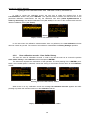
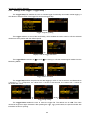
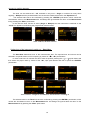
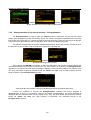
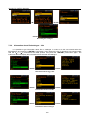
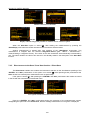
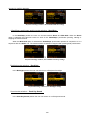
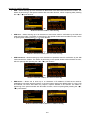
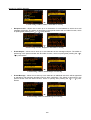
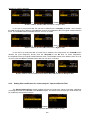
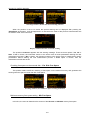
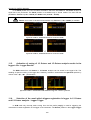
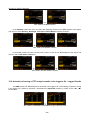
The output of the selected 1/1 Octave or 1/3 Octave filter can be also used as the triggering signal in
Logger Trigger window (path: <Menu> / Measurement / Logging / Logger Trigger).
11.3.
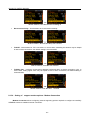
Measurement range selection in 1/1 Octave and 1/3 Octave analysis -
Range
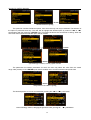
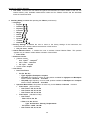
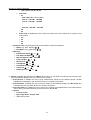
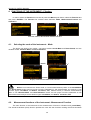
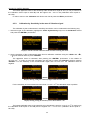
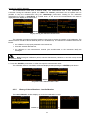
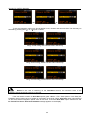
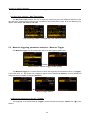
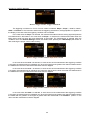
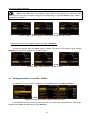
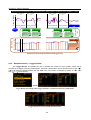
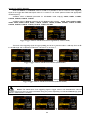
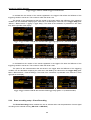
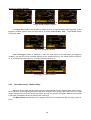
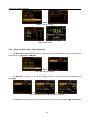
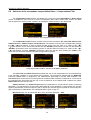
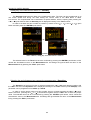
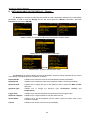
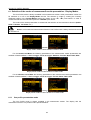
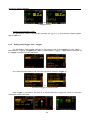
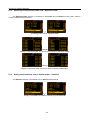
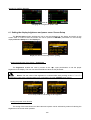
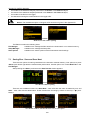
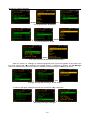
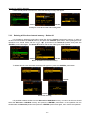
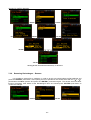
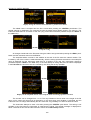
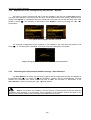
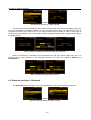
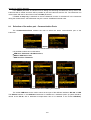
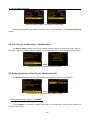
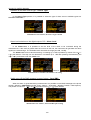
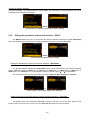
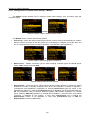
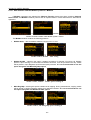
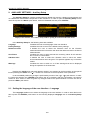
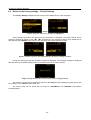
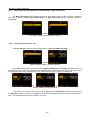
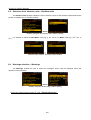
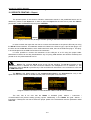
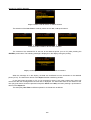
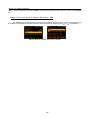
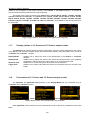
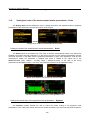
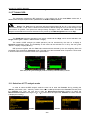
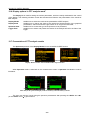
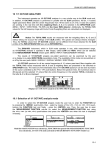
In 1/1 Octave or 1/3 Octave analyser the user can select the input ranges specified in Appendix C,
named as Low and High. The selection of the input range is possible after entering the Range window of
the Measurement list.
190