1
D122_NTSC_E.book Page 21 Thursday, July 19, 2007 6:43 PM
Preparations
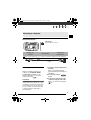
This chapter describes basic operations, such as navigating the
menus, and first time settings to help you learn more about your
camcorder.
Getting Started
Charging the Battery Pack
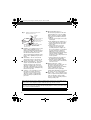
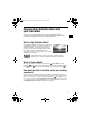
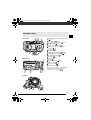
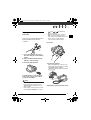
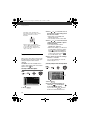
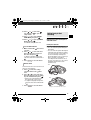
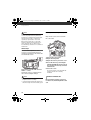
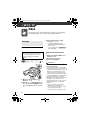
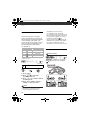
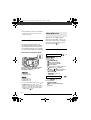
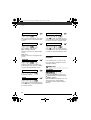
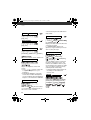
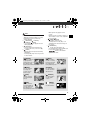
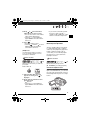
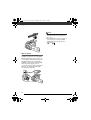
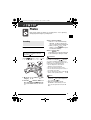
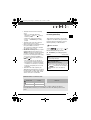
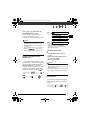
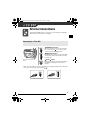
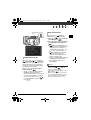
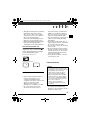
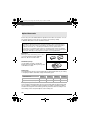
2 Attach the battery pack to the
camcorder.
Press the battery pack softly into the
battery attachment unit and slide it
up until it clicks in place.
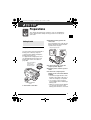
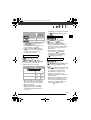
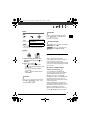
CHG (charge) indicator
DC IN terminal
The camcorder can be powered with a
battery pack or directly using the
compact power adapter. Charge the
battery pack before use.
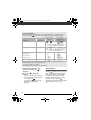
For approximate charging times and
recording/playback times with a full
battery pack, refer to the tables on
page 106.
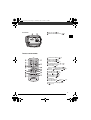
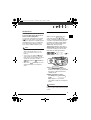
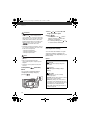
Remove the battery
terminal cover
before attaching
the battery pack
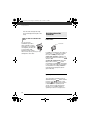
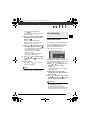
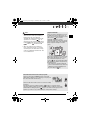
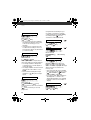
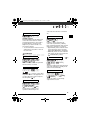
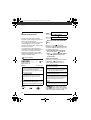
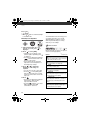
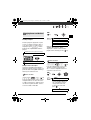
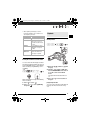
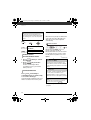
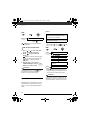
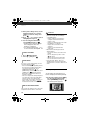
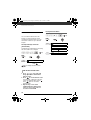
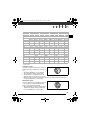
3 Connect the power cord to the
compact power adapter.
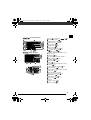
4 Plug the power cord into a power
outlet.
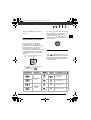
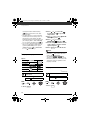
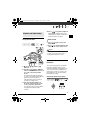
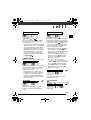
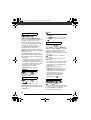
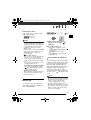
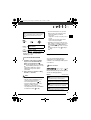
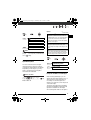
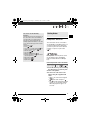
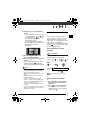
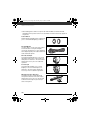
5 Connect the compact power
BATTERY RELEASE
switch
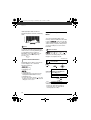
1 Turn off the camcorder.
adapter to the camcorder’s DC IN
terminal.
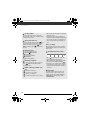
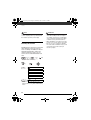
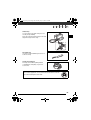
• The CHG (charge) indicator starts
flashing. The indicator will stay on
when the charging is completed.
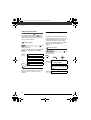
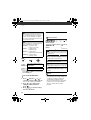
• You can also use the compact
power adapter without attaching a
battery pack.
• When the compact power adapter
is connected, the power of the
battery pack will not be consumed.
21