1
D122_NTSC_E.book Page 5 Thursday, July 19, 2007 6:43 PM
Enjoying High-Definition Video with
your Camcorder
Preserve your most treasured memories, be it unforgettable scenery or
cherished moments spent with family and friends, with high-definition video
recordings of a quality second only to actually being there.
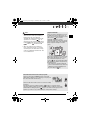
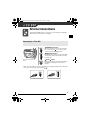
What is High-Definition Video?
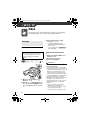
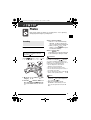
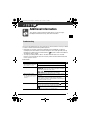
High-definition (HD) video allows you to record video of
unparalleled high quality on the built-in hard disk using
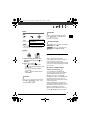
the AVCHD compression. HD video is composed of
1,080 horizontal lines - that is more than twice the
number of horizontal lines and approximately 4 times
the number of pixels in standard-definition TV
broadcasts - resulting in eye-catching colors and richly
detailed video recordings.
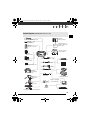
1,080 lines
“Full HD 1080” refers to Canon camcorders compliant with highdefinition video composed of 1,080 vertical pixels (scanning lines).
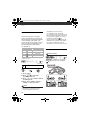
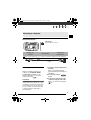
What is Cinema Mode?
Give your recordings a cinematic look by using the [
CINE MODE] recording
program (
51). Combine this recording program with the 24 fps progressive frame
rate [
PF24] (
46) to get the enhanced effect of the 24p Cinema Mode (
52).
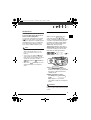
How does the built-in hard disk enrich your shooting
experience?
Because this camcorder automatically records video in unused space on the hard
disk, you need not worry about accidentally recording over important videos. Not only
that, you can shoot up to 9 1/2 hours of video in XP mode (
34). In addition, you
can use the software on the Corel Application Disc CD-ROM to transfer your videos
to a computer to back up, play and edit them. For a detailed explanation, refer to the
Corel Application Disc Installation Guide and User Manual.
5