1
Turbo PMAC Ladder
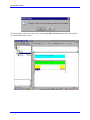
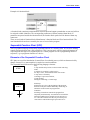
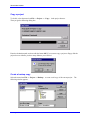
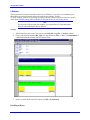
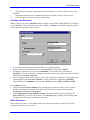
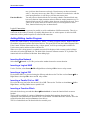
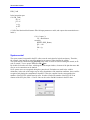
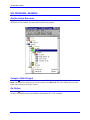
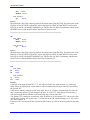
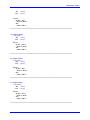
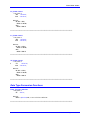
PLC ➜ STOP
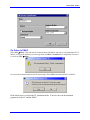
Select PLC!Stop to immediately stop the program
PLC!Coldstart
Select PLC!Coldstart to perform a cold start. All
variables will be initialized to the initial value as
programmed.
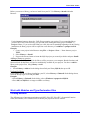
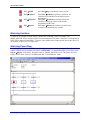
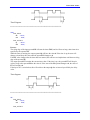
Select PLC!Warmstart to initialize all normal
variables, but keep the values of all variables
programmed as RETAIN.
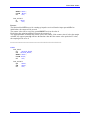
Select PLC!Hotstart to continue execution where
it stopped, not initializing any variable.
PLC!Warmstart
PLC!Hotstart
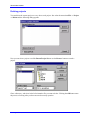
Watching Variables
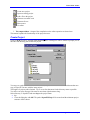
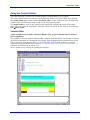
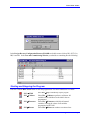
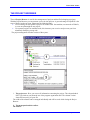
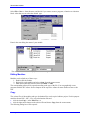
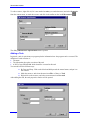
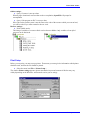
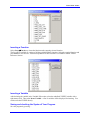
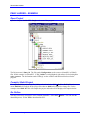
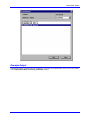
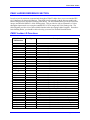
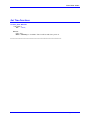
To watch or set variable in watch window, double click on MODE_SWITCH variable. The
MODE_SWITCH will be displayed in the Test and commission 32 window. If the PLC is running then its
status will be displayed immediately. To set the value double clicks on this variable and set the value. For
our example it takes 1,2 or 3 as input value.
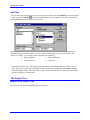
Watching Power Flow
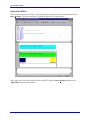
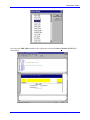
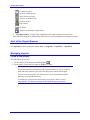
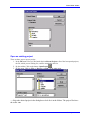
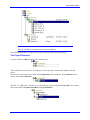
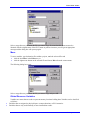
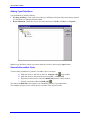
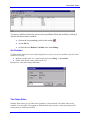
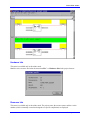
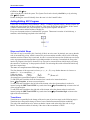
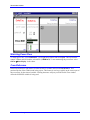
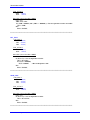
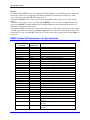
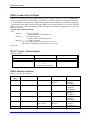
To watch power flow, select SFCPLAN1. Click right mouse button and select Open. This will start the
control X Editor and will load the selected file. (SFCPLAN1) To start monitoring the power flow select
OnLine!Display in the editor. When the value of MODE_SWITCH is set to 1 the power flow will
display AUTO mode. Value 2 is for MDI mode and 3 is for MANUAL mode.
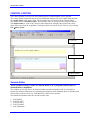
SFC Program – Example
69