1
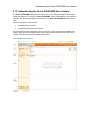
Understanding the Oracle FLEXCUBE User Interface
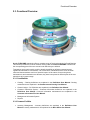
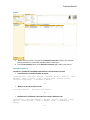
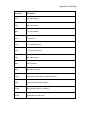
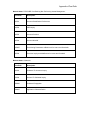
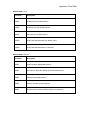
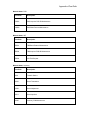
Central Workspace
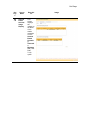
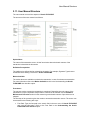
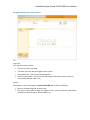
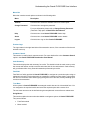
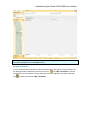
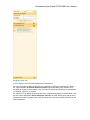
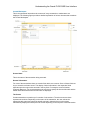
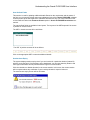
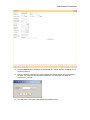
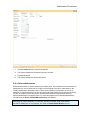
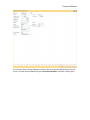
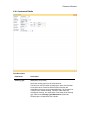
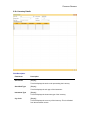
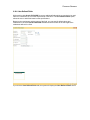
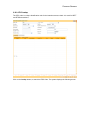
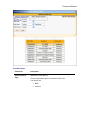
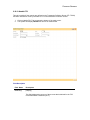
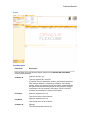
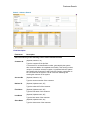
This is the operational area where the contents of every transaction or maintenance are
displayed. The following figure provides a detailed explanation of various elements that constitute
the Central Workspace.
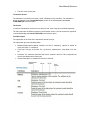
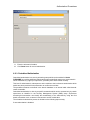
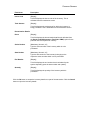
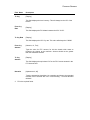
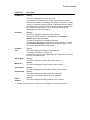
Screen Name
This is the name of the transaction being executed.
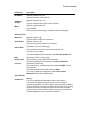
General Information
For most of the transactions there are certain fields which are common. Some of these fields are
key to access the relevant record. The display of other information in the respective fields
depends upon the unique value entered in the key field. For example, Account Number,
Customer Name etc. For most transactions the user has to specify the Account Number and the
details associated with that Account Number are displayed.
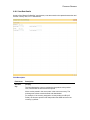
Tab Screen
Certain transactions are made up of a number of sub-sections. The tab screens are these
separate sub-sections. Depending on the nature of the transaction, the user selects the
appropriate tab screen and enters the details required in that tab screen or the system
automatically displays the subsequent tab screen depending on the sequence of the transaction.