1
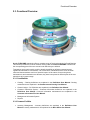
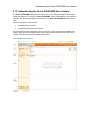
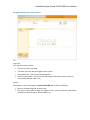
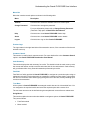
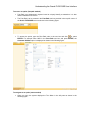
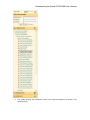
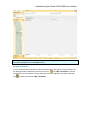
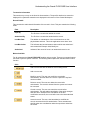
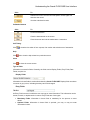
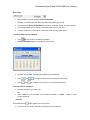
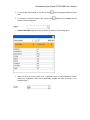
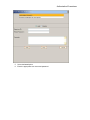
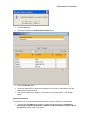
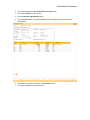
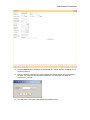
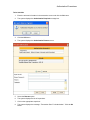
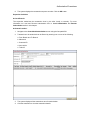
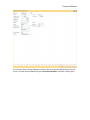
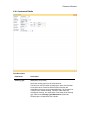
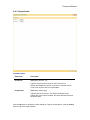
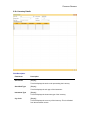
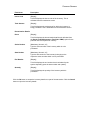
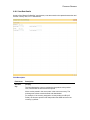
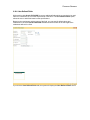
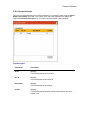
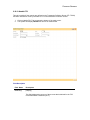
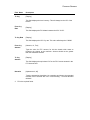
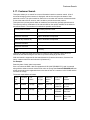
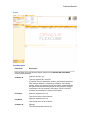
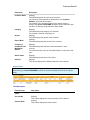
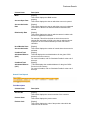
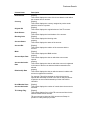
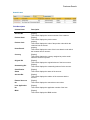
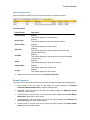
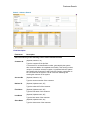
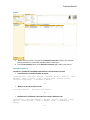
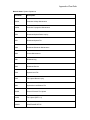
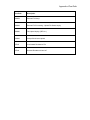
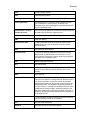
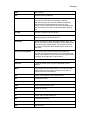
Common Screens 2.16. Common Screens This topic includes the details of the following screens available in Oracle FLEXCUBE: Service Charges Details Instrument Details Cheque Details Inventory Details Cost Rate Details User Defined Fields Negotiate Document Receipt IFSC Lookup Handle FCY Common Screen refers to those screens which could find an appearance in most of the transactions having a financial impact. For all those transactions that require input or modification of default Service Charges or Inventory details or Cheque Details or Traveler’s Cheque, the screen mentioned shall be used. The service charge, inventory details and cheque details screens are invoked when the respective tabs on the transaction screen is clicked. The display of these respective tabs is dependant upon the setup. For example, in the following figure, the Service Charge Details tab is enabled. The Service Charges transaction definition option can be attached to options like Cash Deposit (Fast Path: 1401), GL Miscellaneous Debit against Cash (Fast Path: 1060), etc.