1
VA Series
10 Configurator GUI
Configurator, a sample application, is provided to control VA Camera Link series camera. Configurator provides
easy-to-use Graphic User Interface (GUI) for the user while using the commands mentioned in the previous
chapters.
10.1 Camera Scan
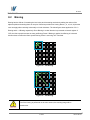
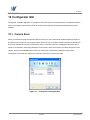
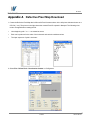
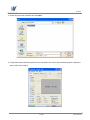
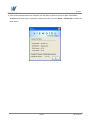
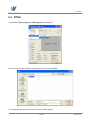
When you execute the program while the camera is turned on, the Camera Scan window appears as shown in
the figure below. At this time, the program checks serial port of your computer and DLL provided by the camera
link to scan whether the camera is connected. If there is a camera connected, it displays model name on the
screen. If the camera is not properly displayed on the screen, check the connection of cables and power of the
camera, and press the refresh button. When you double-click a model name displayed on the screen,
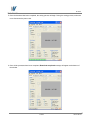
Configurator is executed and displays current setting value of the camera connected.
Figure 10.1 Configurator Loading Window
60 of 80
RA14-11A-012