1
LeCroy Corporation
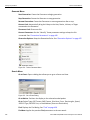
Target and Device Emulation
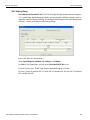
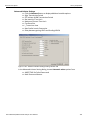
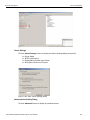
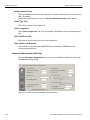
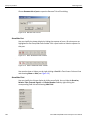
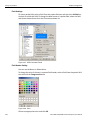
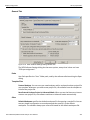
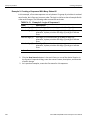
Set Speed Negotiating error
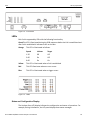
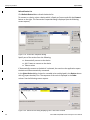
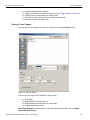
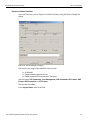
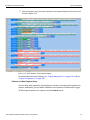
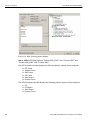
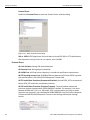
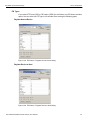
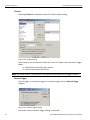
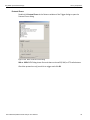
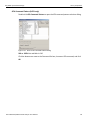
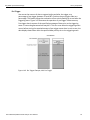
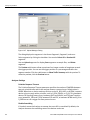
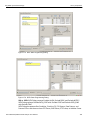
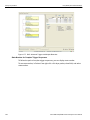
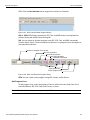
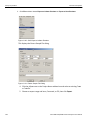
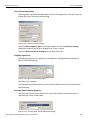
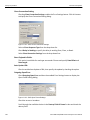
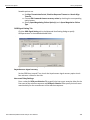
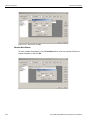
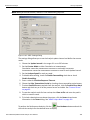
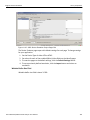
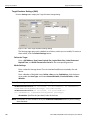
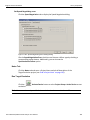
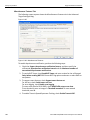
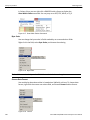
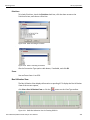
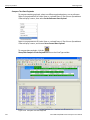
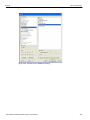
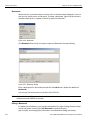
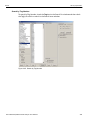
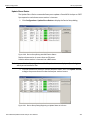
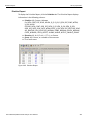
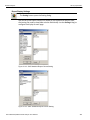
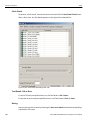
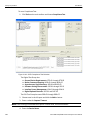
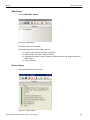
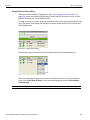
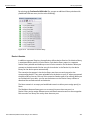
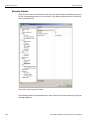
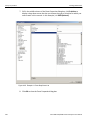
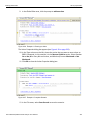
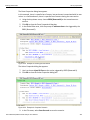
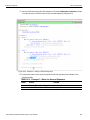
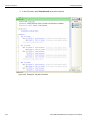
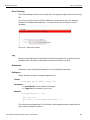
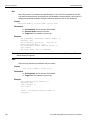
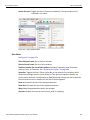
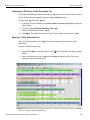
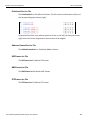
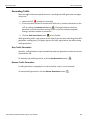
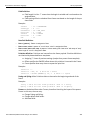
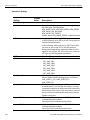
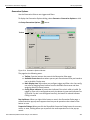
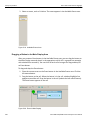
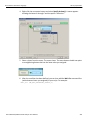
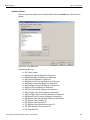
Click the Speed Negotiation tab to display the Speed Negotiation dialog.
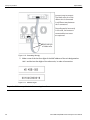
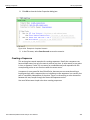
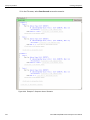
Figure 2.189: Speed Negotiating Error Setting Dialog
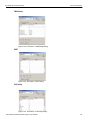
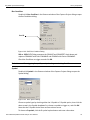
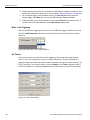
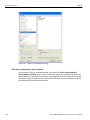
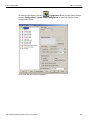
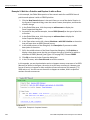
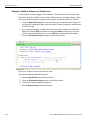
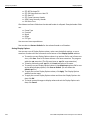
Check a Speed Negotiation Error check box and choose a failure type by checking a
corresponding option button. Additionally, you can choose the
Synchronization failure option.
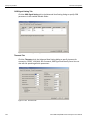
Notes Tab
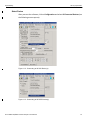
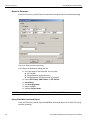
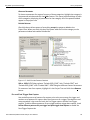
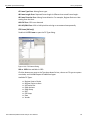
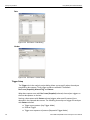
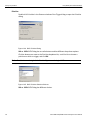
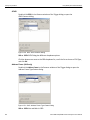
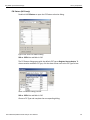
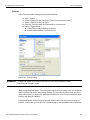
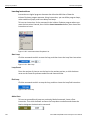
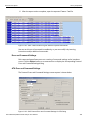
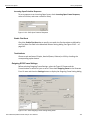
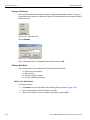
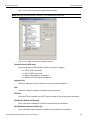
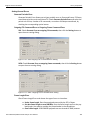
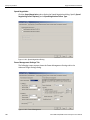
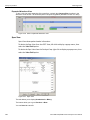
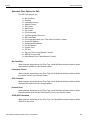
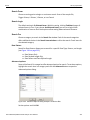
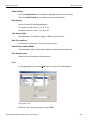
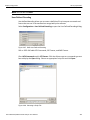
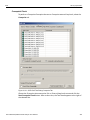
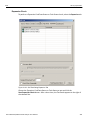
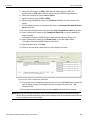
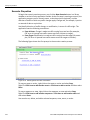
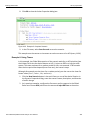
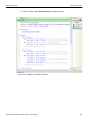
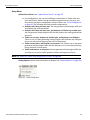
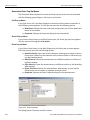
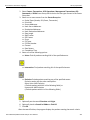
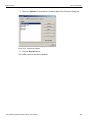
Click the Notes tab and enter a Project Name and a brief description of the
Target Emulation project (see “Add a Project Note” on page 101).
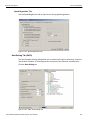
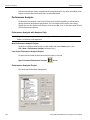
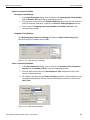
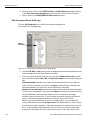
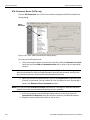
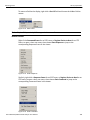
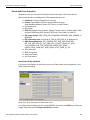
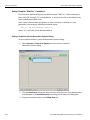
Run Target Emulation
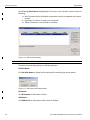
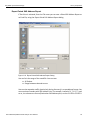
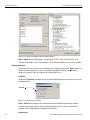
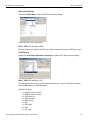
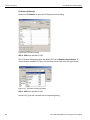
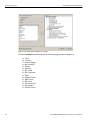
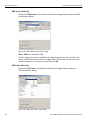
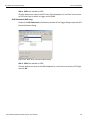
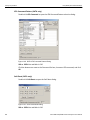
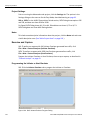
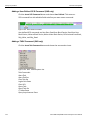
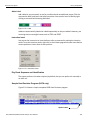
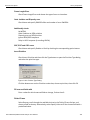
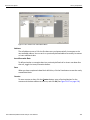
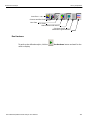
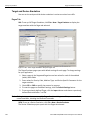
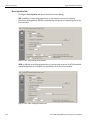
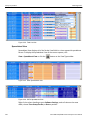
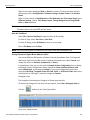
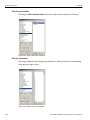
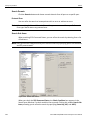
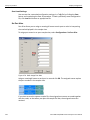
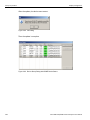
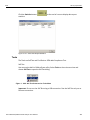
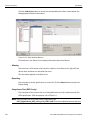
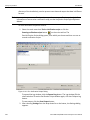
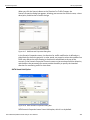
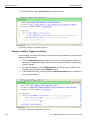
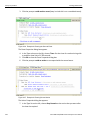
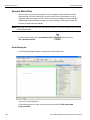
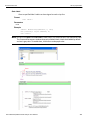
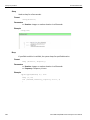
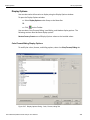
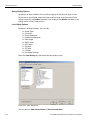
Click the
emulation.
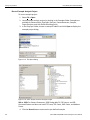
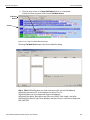
Activate Device button or select Project Setup > Active Device to start
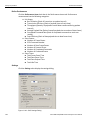
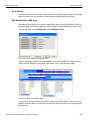
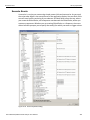
Note: You can run the analyzer while device emulation is active to monitor bus traffic.
Sierra M6‐4 SAS/SATA Protocol Analyzer User Manual
183