1
LeCroy Corporation
Display Options
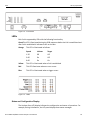
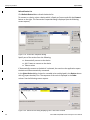
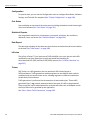
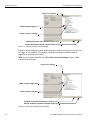
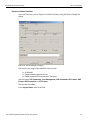
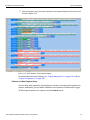
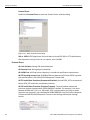
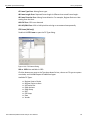
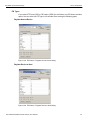
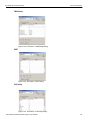
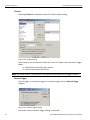
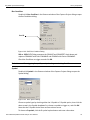
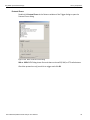
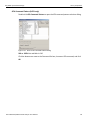
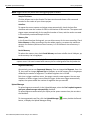
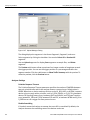
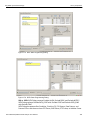
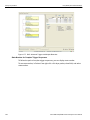
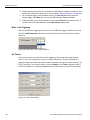
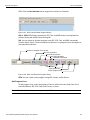
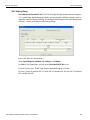
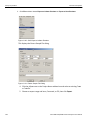
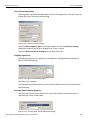
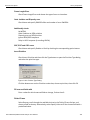
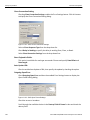
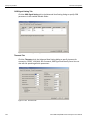
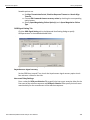
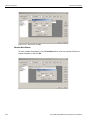
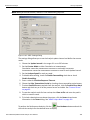
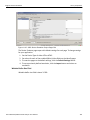
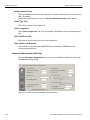
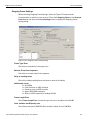
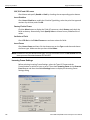
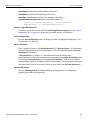
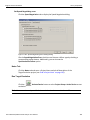
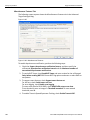
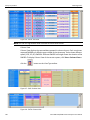
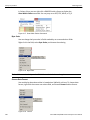
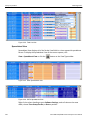
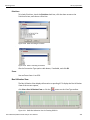
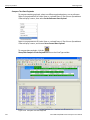
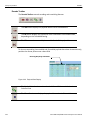
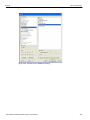
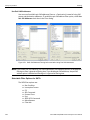
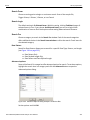
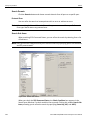
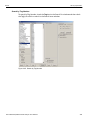
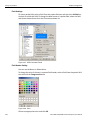
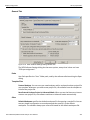
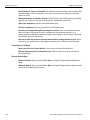
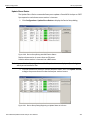
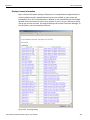
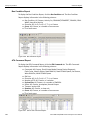
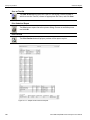
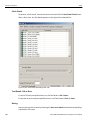
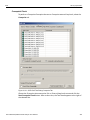
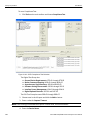
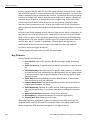
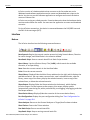
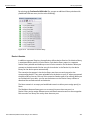
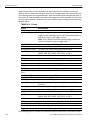
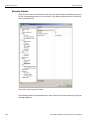
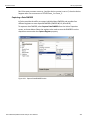
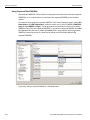
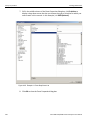
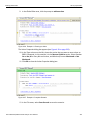
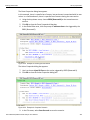
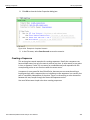
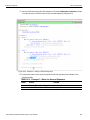
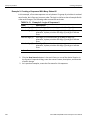
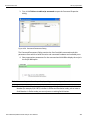
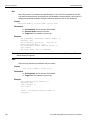
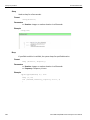
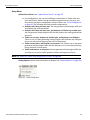
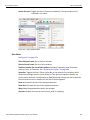
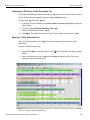
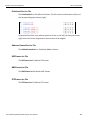
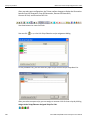
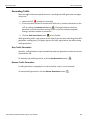
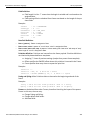
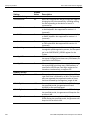
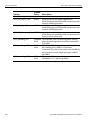
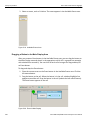
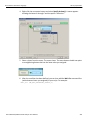
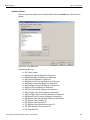
To customize colors, use the Custom tab.
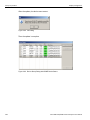
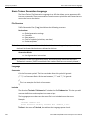
Figure 5.29: Custom Colors
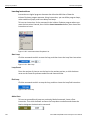
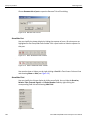
Note: You cannot change the color of an Invalid Data (packet error) field. It is permanently set to red.
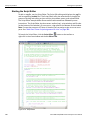
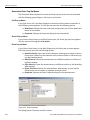
Formats Display Options
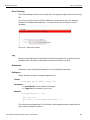
For each type of data in each group of data, the program has a default data format.
Examples of number data formats are Binary, Decimal, and Hexadecimal. An example of a
text data format is ASCII.
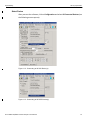
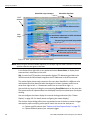
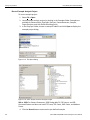
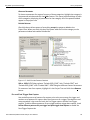
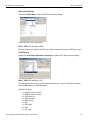
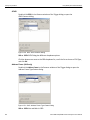
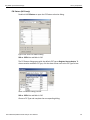
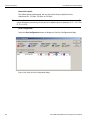
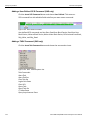
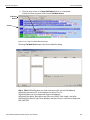
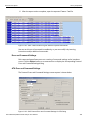
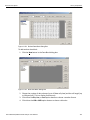
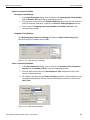
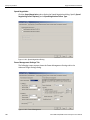
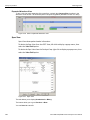
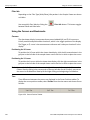
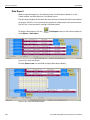
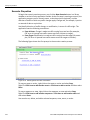
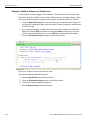
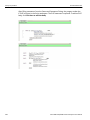
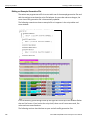
To specify a data format for an information type, in the Color/Format/Hiding tab, select a
row (such as Data) in the Group and Color column and expand it.
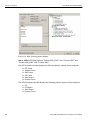
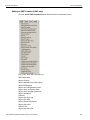
Select a data type in the Group.
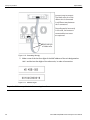
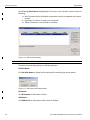
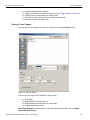
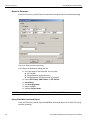
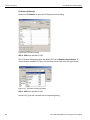
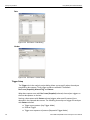
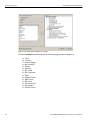
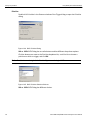
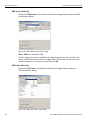
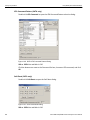
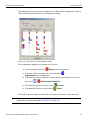
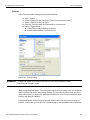
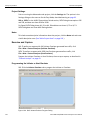
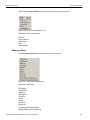
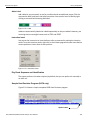
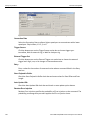
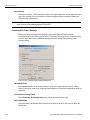
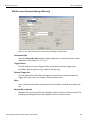
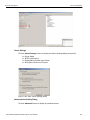
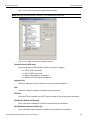
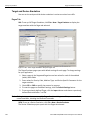
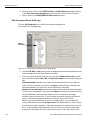
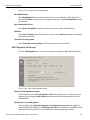
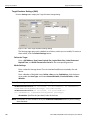
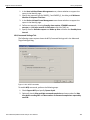
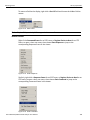
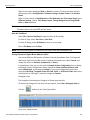
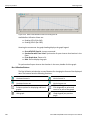
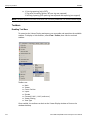
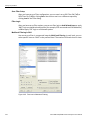
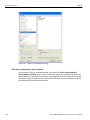
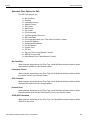
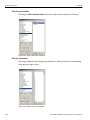
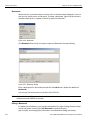
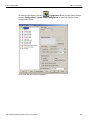
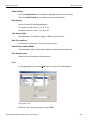
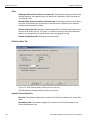
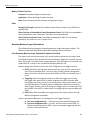
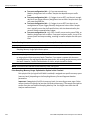
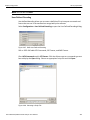
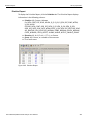
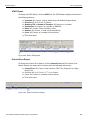
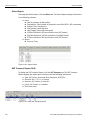
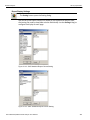
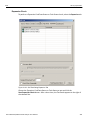
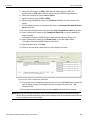
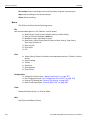
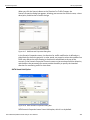
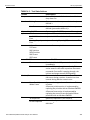
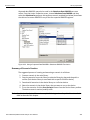
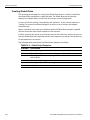
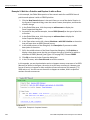
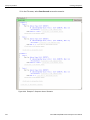
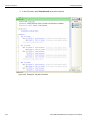
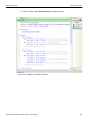
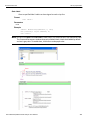
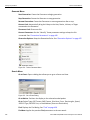
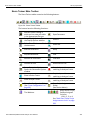
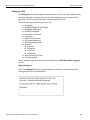
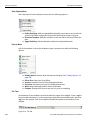
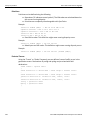
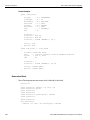
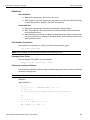
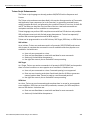
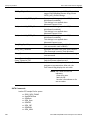
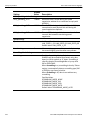
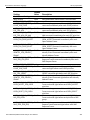
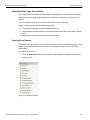
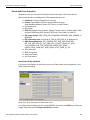
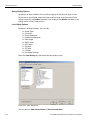
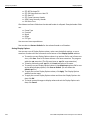
Select a format in the Format section. The following formats are available:
Figure 5.30: Formats
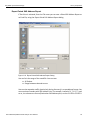
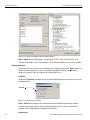
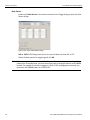
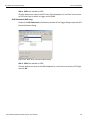
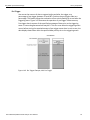
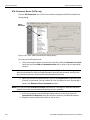
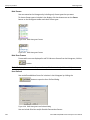
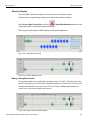
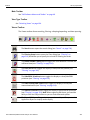
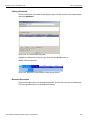
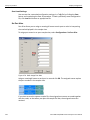
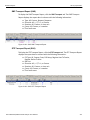
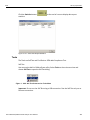
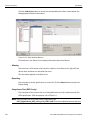
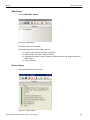
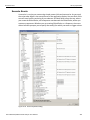
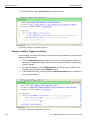
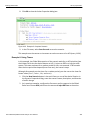
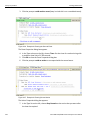
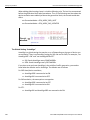
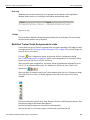
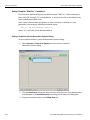
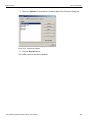
If available, select Bit Order in the Format section. The options are MSB to LSB or LSB to
MSB.
Sierra M6‐4 SAS/SATA Protocol Analyzer User Manual
441