1
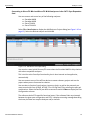
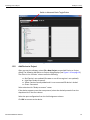
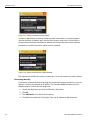
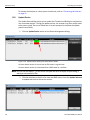
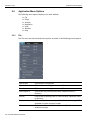
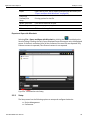
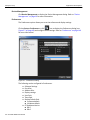
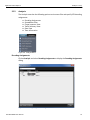
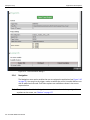
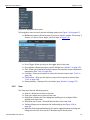
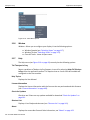
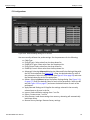
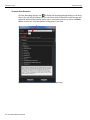
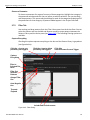
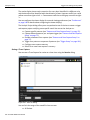
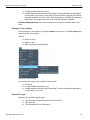
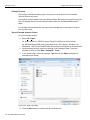
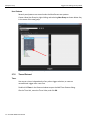
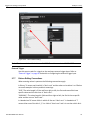
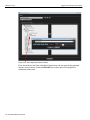
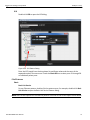
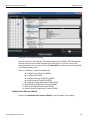
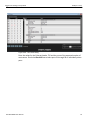
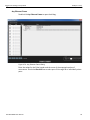
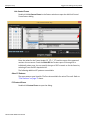
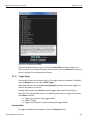
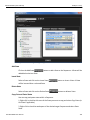
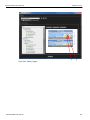
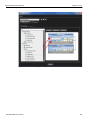
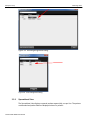
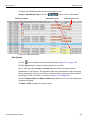
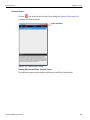
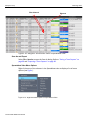
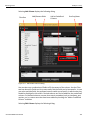
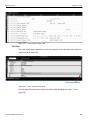
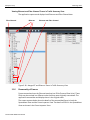
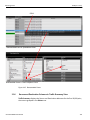
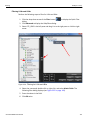
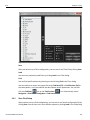
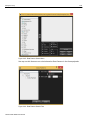
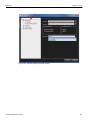
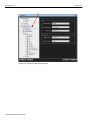
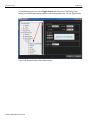
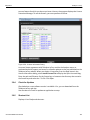
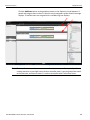
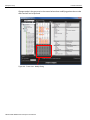
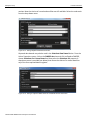
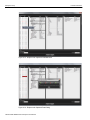
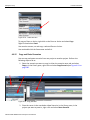
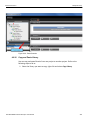
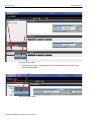
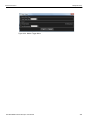
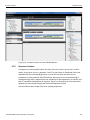
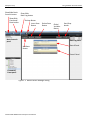
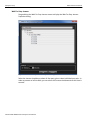
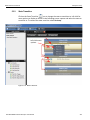
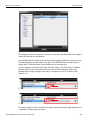
Application Menu Options Teledyne LeCroy Export Export file to Excel, text or export and open with Wireshark (see “Export and Open with Wireshark” on page 39) Print/Print Preview/Print Setup Recent Trace Files Recent Projects Exit Printing options for the file Lists recent trace files to open Lists recent projects to open Click to exit the application. Export and Open with Wireshark Selecting File > Export and Open with Wireshark or clicking the icon displays the Save As Dialog. Checking the Only Export Displayed Events box exports only the displayed events. If the box is unchecked, then all the contents of the trace file are exported. Only Ethernet content is exported; Fibre Channel content is not exported. Figure 2.6: Wireshark Save As Dialog. 2.5.2 Setup The Setup menu has the following options to setup and configure the device: SierraNet M408 User Manual Device Management Preferences 39