1
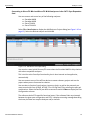
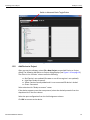
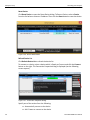
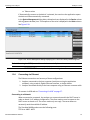
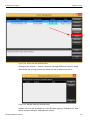
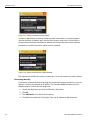
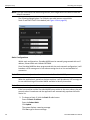
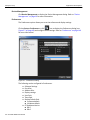
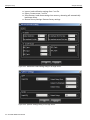
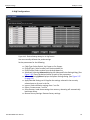
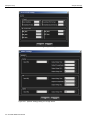
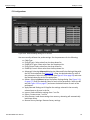
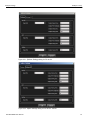
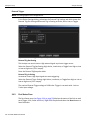
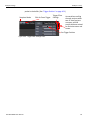
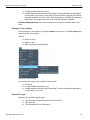
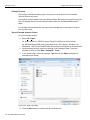
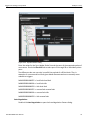
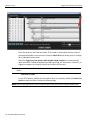
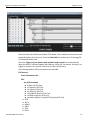
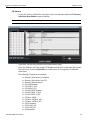
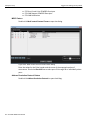
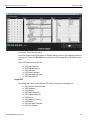
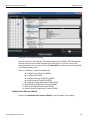
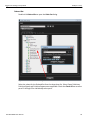
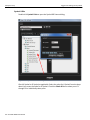
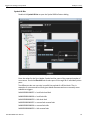
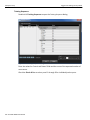
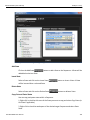
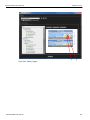
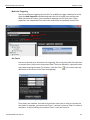
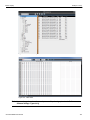
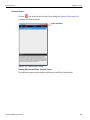
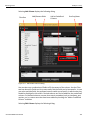
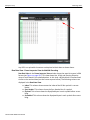
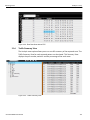
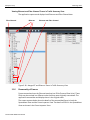
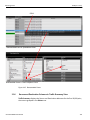
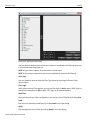
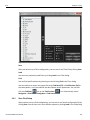
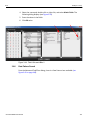
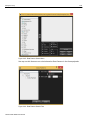
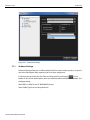
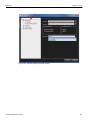
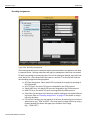
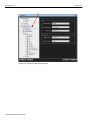
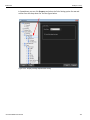
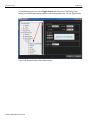
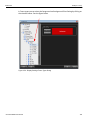
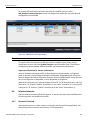
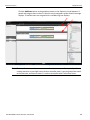
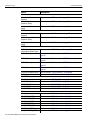
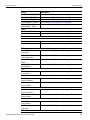
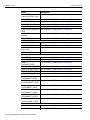
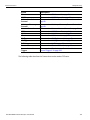
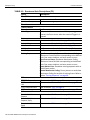
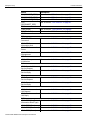
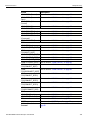
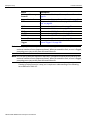
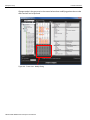
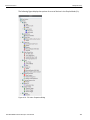
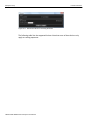
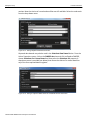
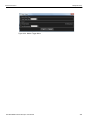
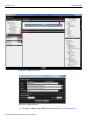
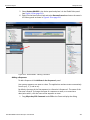
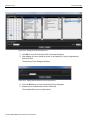
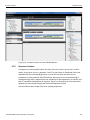
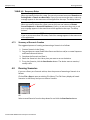
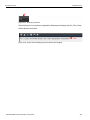
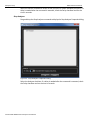
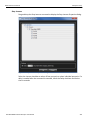
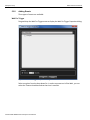
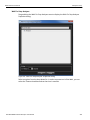
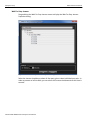
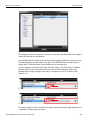
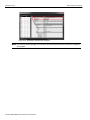
Trigger Filter Settings in Easy Mode Teledyne LeCroy FIP Patterns For any FIP pattern, double‐click the pattern name, for example, double‐click Discovery Solicitation from ENode to open the dialog. Note: All the screen captures for the FIP patterns are similar to the screen capture shown below. Figure 2.59: FIP Discovery Solicitation from ENode Pattern Dialog Enter the values for the Ether header, FIP Header and the count of the expected number of occurrences. Check the Check All box to select ports P1 through P8 or individually select ports. The following FIP patterns are available: SierraNet M408 User Manual Discovery Solicitation from ENode Discovery Solicitation from FCF Discovery Advertisement FIP FLOGI Request FIP FLOGI LS_ACC FIP FLOGI LS_RJT FIP NPIV FDISC Request FIP NPIV FDISC LS_ACC FIP NPIV FDISC LS_RJT FIP Fabric LOGO FIP Fabric LOGO LS_ACC FIP Fabric LOGO LS_RJT FIP ELP Request FIP ELP SW_ACC FIP ELP SW_RJT FIP Keep Alive 81