1
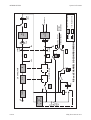
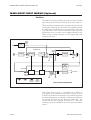
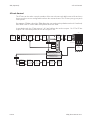
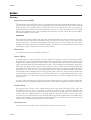
Control Room Monitor
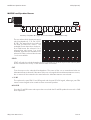
MONITORING
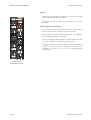
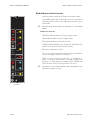
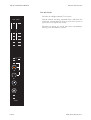
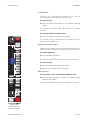
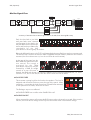
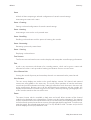
Control Room Monitor
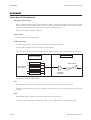
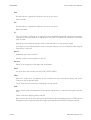
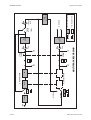
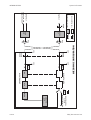
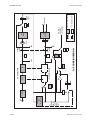
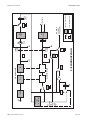
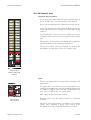
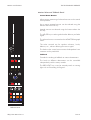
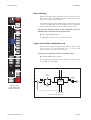
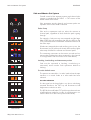
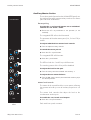
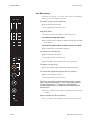
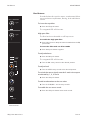
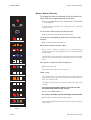
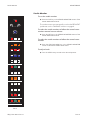
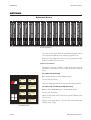
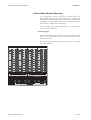
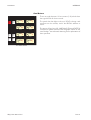
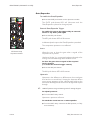
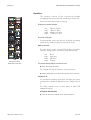
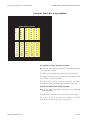
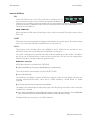
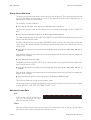
Allows stereo monitoring of selected sources.
The feeds to the control room monitor loudspeakers have
insertions on the patchfield.
8
16
7
15
6
14
5
13
4
12
3
11
2
10
1
9
7-8
8
5-6
7
3-4
6
1-2
5
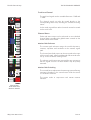
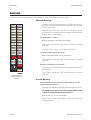
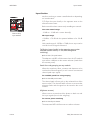
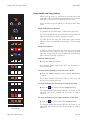
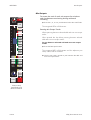
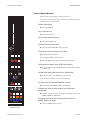
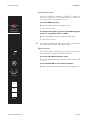
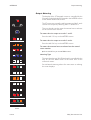
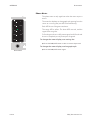
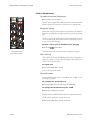
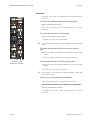
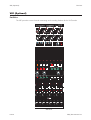
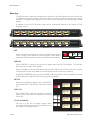
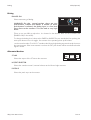
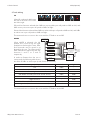
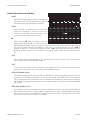
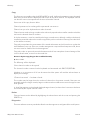
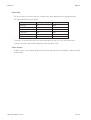
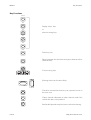
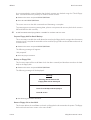
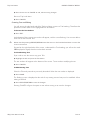
To dim monitoring
ä Press the DIM key.
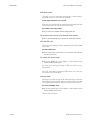
To cut monitoring
AUX
2
4
1
3
3-4
2
1-2
1
ä Press the CUT key.
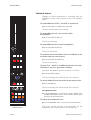
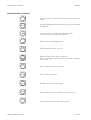
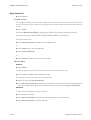
To mon-mix the monitoring
ä Press the MONO key.
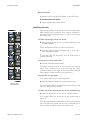
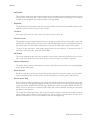
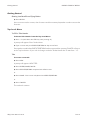
To set the monitor dim level
CUE
ä Turn the associated DIM rotary control.
MIX
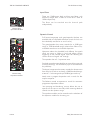
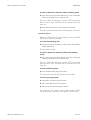
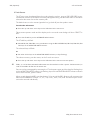
To offset the monitor signal up to 6dB
AFL
PFL
INT
ä Press the IN push-button.
EXT
The integrated LED will illuminate.
CUT
L
L-R
SWAP
CUT
R
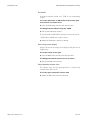
ä Turn the BAL rotary control to the desired position.
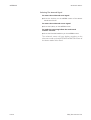
To adjust the monitor level of PFL/AFL signals
LARGE SMALL
MINI
ä Turn the rotary control located above the AFL PFL indicator
monitor cut.
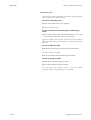
To select left and right monitor cut individually
IN
L BAL R
DIM
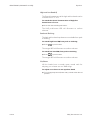
Momentary L-R SWAP can also be selected.
LEVEL
CUT
DIM
MONO
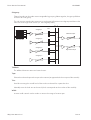
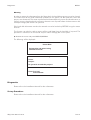
CONTROL ROOM MONITOR
PHONES
RED
LIGHT
SLS
F/B
1-2
TB
TB TO
LEVEL CUES & SLS
RTB
ALL
AUTO
TB
SLATE CUE 1 CUE 2
F/B
3-4
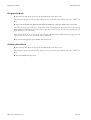
ä Press the CUT L and CUT R keys as desired.
F/B
5-6
F/B
7-8
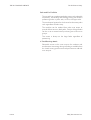
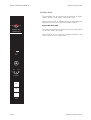
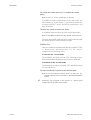
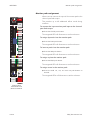
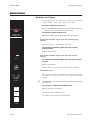
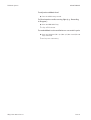
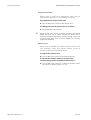
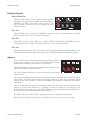
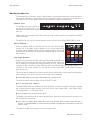
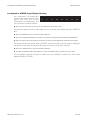
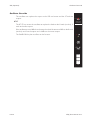
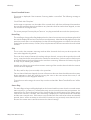
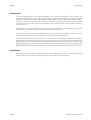
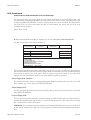
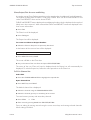
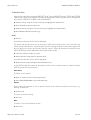
To select one of three loudspeaker systems
ä Press either the LARGE, SMALL or MINI key.
To allow the level of each system to be adjusted
individually
ä Use the preset trimmers located immediately below the
LARGE, SMALL or MINI keys.
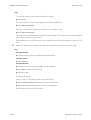
To adjust the master level control for all three (i.e.
LARGE, SMALL or MINI)
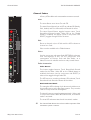
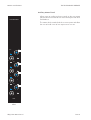
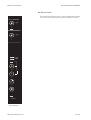
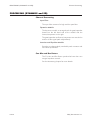
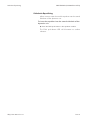
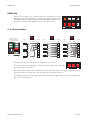
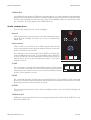
TALKBACK
ä Turn the LEVEL rotary control.
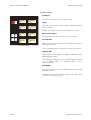
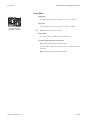
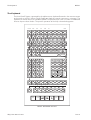
Monitor Select and
Talkback Panel
VX(S) User Manual 5:8
Issue 3