1
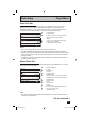
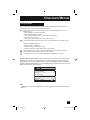
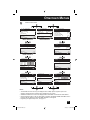
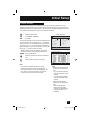
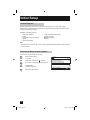
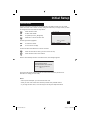
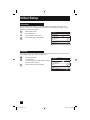
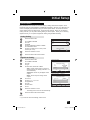
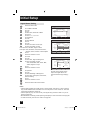
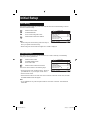
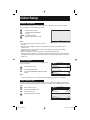
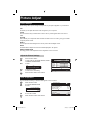
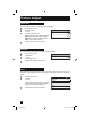
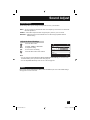
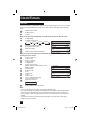
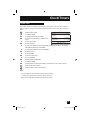
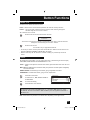
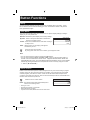
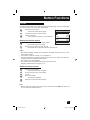
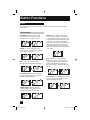
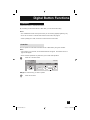
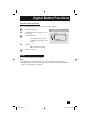
Digital Button Functions Timer You can set the two timers: Record and view. The timer starts the recording or turns to the channel you set for it automatically. Reservation Press the TIMER button π† To New Reservation Press the OK button New Reservation Timer Sept. 10 (Wed) Timer Mode Channel 0. New Reservation Reservation New V 80-3 PBS1DTV Date Sep. 10 (wed) Start Time Sep. 11 (Wed) R i.LINK 335-1 KDVRet Sep. 11 (Wed) R R i.LINK † † √® † √® † √® † √® † √® † √® † 5:00PM Once 6:00PM Retailer News Channel Weekly Weekly/Daily 335-1 KDVRet 6:00PM - 7:00PM Mon - Fri Rec to i.LINK Regular Schedule Sep. 18 (Wed) 5:00PM - 6:00PM Set Daily Timer ON 35-1 PBPBPB Sep. 18 (Wed) √® End Time 6:00PM - 6:30PM 4:55PM Rec 35-1 Page 1/3 8:00PM -Cancel 8:30PM Weekly To Timer Mode To select Rec or View To Channel To select the channel you want to set the timer for To Date To select the date To Start Time To set the start time To End Time To set end time To Weekly/Daily To select Once, Weekly, Daily(Sun.-Sat.), Daily(Mon.-Sat.) or Daily(Mon.-Fri.) To Rec to i.LINK To select ON or OFF To Set Timer Press the OK button If you set the Rec on timer mode, set recording R is added in front of the program title. If you set the View on timer mode, set viewing V is added in front of the program title. Notes: • In order for the timer setting to work, you must set the clock on your television. See page 58. • When you want to edit the timer settings, see Timer Edit on page 78. 77 LCT1976 A.indd 77 9/29/05 10:33:47 AM