1
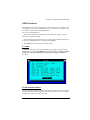
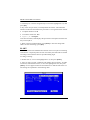
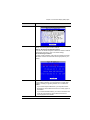
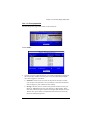
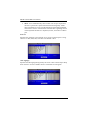
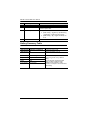
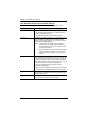
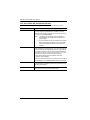
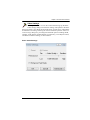
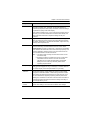
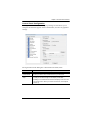
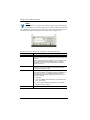
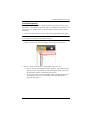
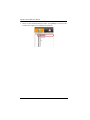
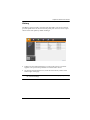
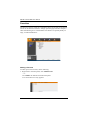
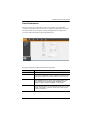
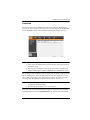
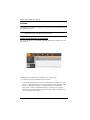
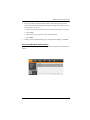
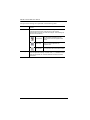
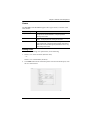
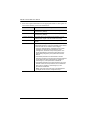
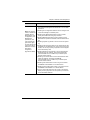
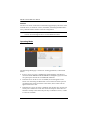
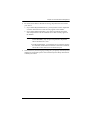
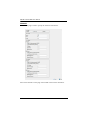
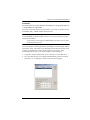
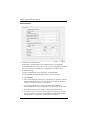
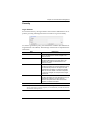
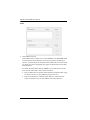
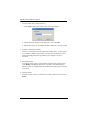
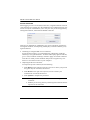
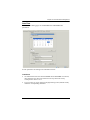
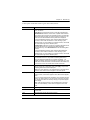
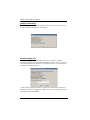
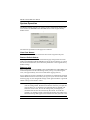
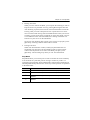
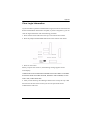
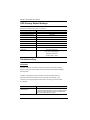
Chapter 4. On Screen Display (OSD) Oper- Function Set IP Address The KVM can either have its IP address assigned dynamically (DHCP), or it can be given a fixed IP address. Obtain an IP address automatically (DHCP): For dynamic IP address assignment, select the Obtain IP address automatically radio button. (This is the default setting.) Use the following IP address: To specify a fixed IP address, select the Set IP address manually radio button and fill in the fields with values appropriate for your network. K/M Broadcast Keyboard and Mouse inputs can be duplicated on all the attached servers multiple computers, such as performing a system wide shutdown, installing or upgrading software, etc. The Default is Disable. If you enable Keyboard Broadcast, your keystrokes will be duplicated on all the attached servers that currently appear in the Sidebar. If you enable Mouse Broadcast, your mouse movements and clicks will be duplicated on all the attached servers that currently appear in the Sidebar. 27