1
RADOSYS User Manual
File Ref. RS_Man82
Page
4-36
Revised at 7/8/2013
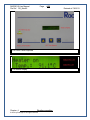
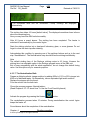
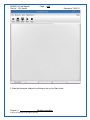
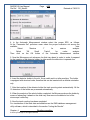
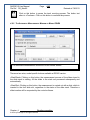
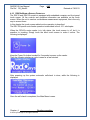
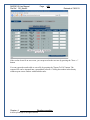
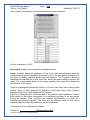
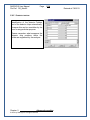
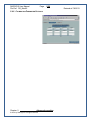
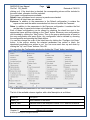
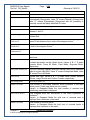
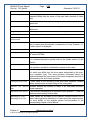
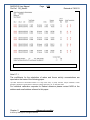
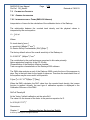
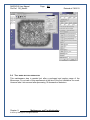
4. In the Automatic Measurement window select the proper EPS, as follows.
At the “Parameter Set” pull-down menu select the proper evaluation set among the
available
sets.
Select
“Neutron
1”
for
neutron
analysis.
Select
“2K
Small
Tracks”
for
radon
analysis.
Than click on the OK button of the Automatic Measurement window.
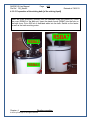
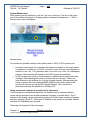
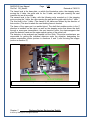
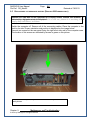
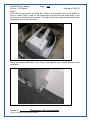
5. Now the Microscope unit advances its slide tray ahead in order to make it prepared
for the insertion of the detector holder. In other words the slide door is opened now.
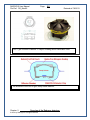
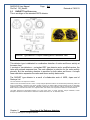
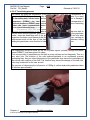
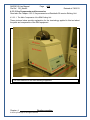
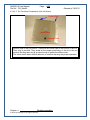
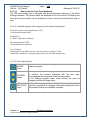
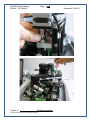
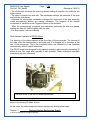
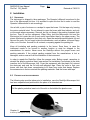
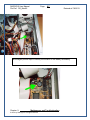
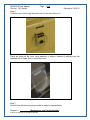
6. Insert the detector holder to the slot, like a credit card to a teller machine. The holder
is equipped with structural code; therefore this can be inserted with a definite orientation
only.
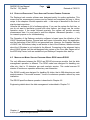
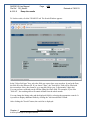
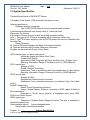
7. After the insertion of the detector holder the track counting starts automatically. All the
12 detectors of the holder are processed automatically.
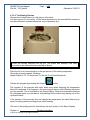
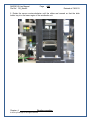
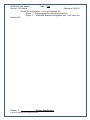
8. When the analysis of the whole holder completed, the Microscope drops the holder by
means of advancing it ahead on the slide tray. Now remove the detector out of the
microscope’s slide tray.
9. Now the track counting has been completed.
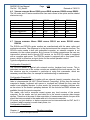
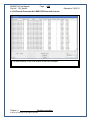
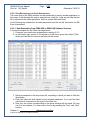
For visualization of the track data and statistics use the DMU database management
utility software, which is described in the section “Listing the Results”.
Chapter 4.
Routine operation
© 2013 by Radosys Kft. All rights reserved