1
Operation
Option menu
Camera setting
option
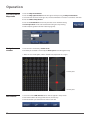
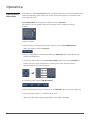
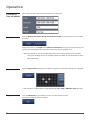
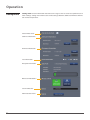
The Option menu allows you to set the sample monitoring options. It is composed of two
parts (Camera setting and Monitoring setting option).
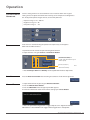
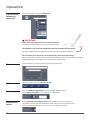
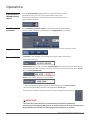
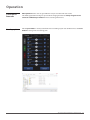
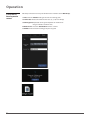
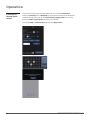
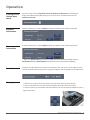
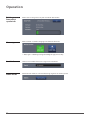
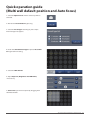
Camera set part contains detailed functions such as assigning well/specific position, camera
setting and focus settings (auto focus, point to focus and manual focus).
☞ Note: The functions and buttons commonly used in Preview menu, Please refer to the
details in Preview menu section.
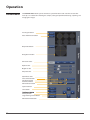
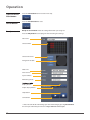
Vessel type button
Focus information button
Map mode button
Navigation window
Position set button
Default button
Undo button
Clear button
Camera option tap button
LED channel bar
Exposure bar
Brightness bar
LED power bar
Quick focus slide
Coarse focus button
Fine focus button
Auto focus button
Manual focus button
Stage moving control button
Manual focus toggle button
Auto Focus toggle button
Point to Focus toggle button
Minimum & Exit button
28