1
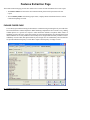
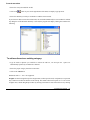
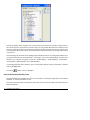
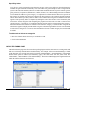
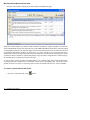
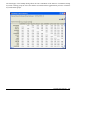
words that might be added to the exclusion list.
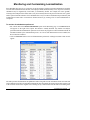
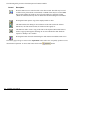
SORT BY - This option allows a display of words in the frequency table in alphabetical order, on
keyword endings, or by descending order of keyword frequency (NB WORDS column) or case
occurrence (NB CASES column). Sorting the table by keyword endings facilitates the
identification of plural form of words that should be substituted by their singular form or the
substitution of verbs by their infinitive form.
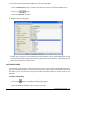
The
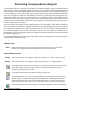
button can be used to move one or several words to the exclusion or substitution list
or to add or remove a word from the inclusion list. The permitted moves depend on the words
currently displayed. If you want to remove a word from the inclusion list, the DISPLAY option
should be set to INCLUDED or ALL. To add a word to the inclusion list, the DISPLAY should
be set to LEFTOVER or ALL. This button is also used to display a Keyword-In-Context table of
the selected keyword.
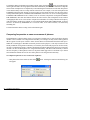
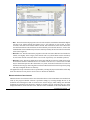
It is also possible to quickly access the pop-up menu invoked by this button by pressing the right
button of the mouse anywhere on the grid (see below).
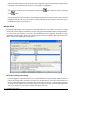
The
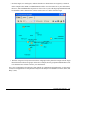
button allows one to produce barcharts or pie charts to visually display the distribution of
specific keywords or categories. To produce such charts:
• Set the Sort By option to the order in which you wish the values be shown graphically.
• Select the rows you would like to plot (multiple but separate rows can be selected by clicking
while holding down the CTRL key)
WordStat User’s Manual
33