1
VOCABULARY FINDER PAGE
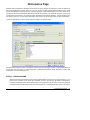
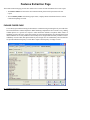
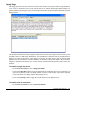
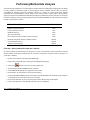
The Vocabulary Finder feature of WordStat provides a tool to extract single words representing technical
terms, company and product names, as well as abbreviations that are specific to the analyzed collection of
documents. The feature will also identify common misspellings by comparing the list of word forms
encountered in the entire text collection against a list of common words, retrieving words or words with
irregular capitalization that are not found in this list. By default, the extraction is performed in reference
to common English words. For documents written in another language or to exclude technical terms from
a specific domain, set the Active Dictionaries option on the Speller/Thesaurus Option Page to the desired
language.
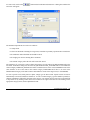
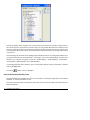
The Include Irregular Capitalization option instructs the program to retrieve all words with irregular
capitalization, such as proper names of persons, companies or products. The Min Frequency option allows
one to eliminate from the list all words appearing only a few times by setting a minimum frequency
criterion.
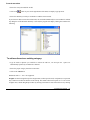
Once the above two options have been set, click on the
button to start searching for vocabulary words.
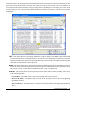
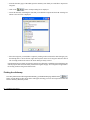
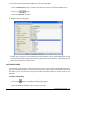
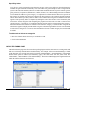
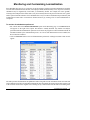
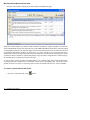
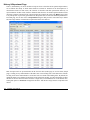
The list of words retrieved are then listed in a frequency table on the left of the screen and presented in
descending order of frequency. To sort this list in alphabetical order, click on the top of the first column.
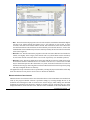
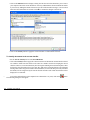
Three types of operations are allowed on these words: 1) You can replace all instances of a selected word
in the original document by another word or phrase; 2) You can add this word to a custom list of valid
words causing the program to ignore those words the next time there is a search for vocabulary words; or
WordStat User’s Manual
53