1
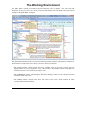
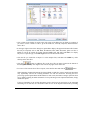
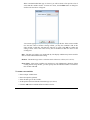
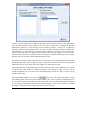
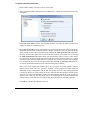
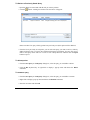
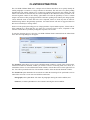
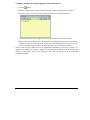
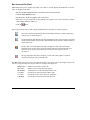
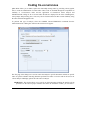
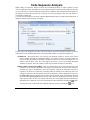
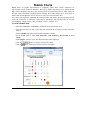
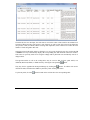
The View list box may also be used to remove the color pattern and display only numerical values, or
hide numerical values and display only color patterns.
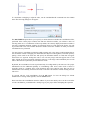
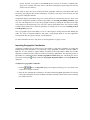
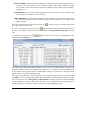
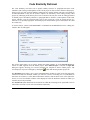
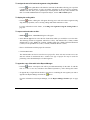
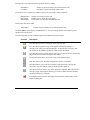
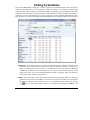
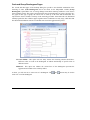
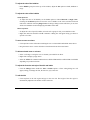
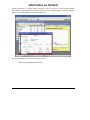
The top left cell of the matrix displays for the currently selected cell (displayed with a gray background)
the following information:
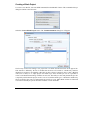
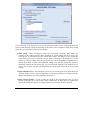
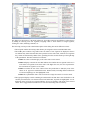
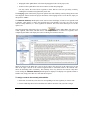
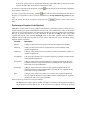
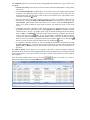
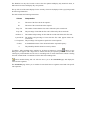
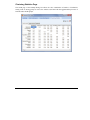
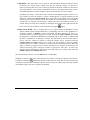
The table includes the following information:
Column
Interpretation
A=
The name of the first code in the sequence
B=
The name of the second code in the sequence
Freq of A
The number of times that the first code is followed by this second code.
Freq of B
The percentage of time that the first code is followed by this second code.
B follow A
The number and percentage of times that the second code follows this first code.
A precedes B
The number and percentage of times that the first codes appears before the
second code.
% of sequences The percentage of all sequences equal to the current sequence.
Z values
P
A standardized measure of the deviation from the expected frequency.
The probability that this deviation occurs by chance.
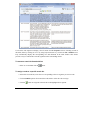
button. A new
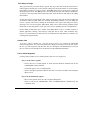
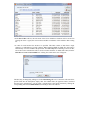
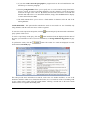
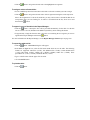
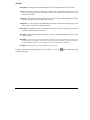
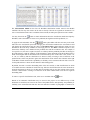
To obtain a table containing those statistics for all observed sequences, click the
dialog box will appear with a large table of statistics that may be exported, printed or saved to disk.
Clicking any column header sorts the rows in ascending order of values found in this column. Clicking
the same column header a second time sorts the table in descending order.
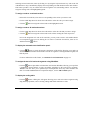
button. Double-clicking this cell will also moves you to the Search Hit page and display the
associated text segments.
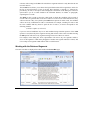
The Search Hits page allows you to examine in more detail the text segments associated with specific
code sequences.
180
QDA Miner User’s Manual