1
TELEMETRY BLOCKS
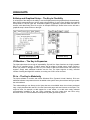
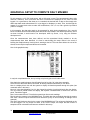
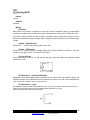
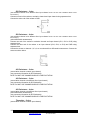
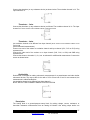
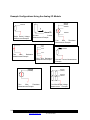
Coms Tag
Inputs
Data
Outputs
Data
Description
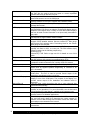
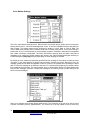
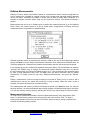
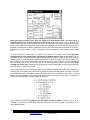
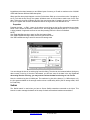
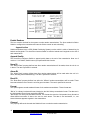
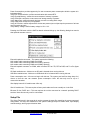
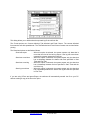
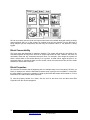
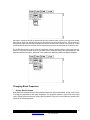
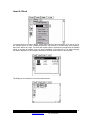
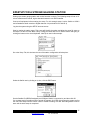
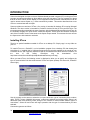
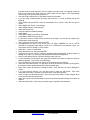
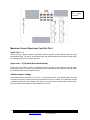
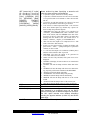
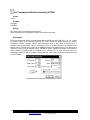
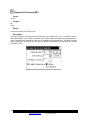
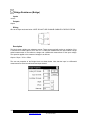
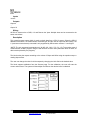
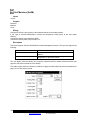
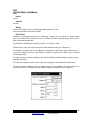
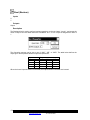
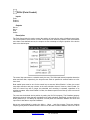
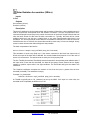
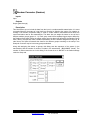
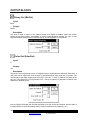
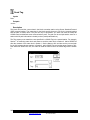
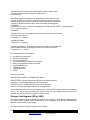
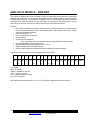
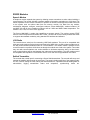
This block tags or labels data that is to be included in the Data page, Sutron Standard Protocol (SSP)
communications and text alarms. This block is commonly connected to an Alarm block, or it may be
connected to any other block in the system. This connection “tags” the data to show up on the Data
page of the Xpert. If the connection was made to an Alarm block, the Data page will display alarm
information for the sensor.
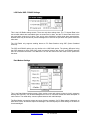
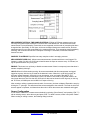
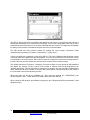
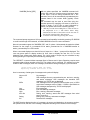
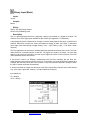
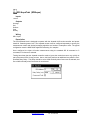
The Coms tag block also “tags” information to be included in communications messages. When
another station requests “current data”, “alarm data”, “get tag”, “send tag”, or “eval tag” (these are
common SSP requests) the Xpert provides the data from the Coms tags. Therefore, you control the
data that is included in the responses to these data requests by attaching a Coms tag to the desired
data. This "tag" is case sensitive; therefore, it should always be entered in UPPERCASE letters to
avoid confusion.
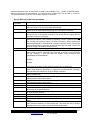
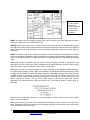
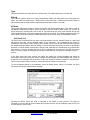
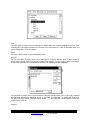
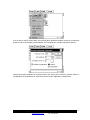
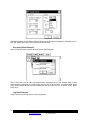
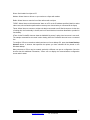
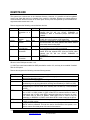
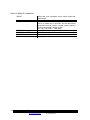
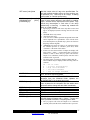
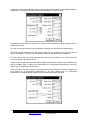
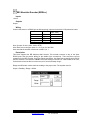
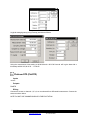
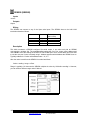
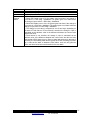
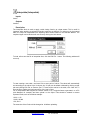
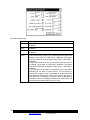
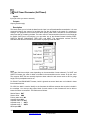
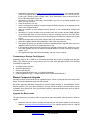
The Prefix and Suffix phrases are only used in speech/voice modem messages. If you do not see
choices for the prefix and suffix, the speech files have not been loaded into your Xpert.
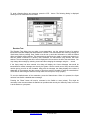
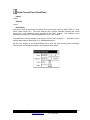
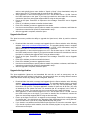
The Right Digits property controls the precision of the tagged data, but only when the check box is
checked.
190
Bringing the Benefits of Real-Time Data Collection to the World
Sutron Corporation, 21300 Ridgetop Circle, Sterling, Virginia 20166-6520
Tel: 703-406-2800
http://www.sutron.com