1
Merchant User Manual
Ch 3: Batches and Settlement
How to create and settle batches
In this chapter, we will discuss the Solupay’s batch and settlement features, mainly,
Current Batch, End of day, and Closed Batches. These features are there for
merchants with terminal-based payment processors. Terminal-based processor requires
merchant to store the authorized transactions locally until the merchant captures and
submits them for settlement. Remember that if you have payment options that are hostbased, you will not see these features for those payment types.
A batch is a collection of transactions. Usually a merchant has one batch per day or per
shift. Batch has two types: open batch and closed batch. An open batch, or current
batch, is a batch that has not yet been settled. On the contrary, a closed batch is a batch
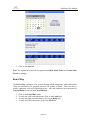
that has already been settled. To submit/settle the transactions in the current batch, the
End of Day function comes into place.
Current Batch
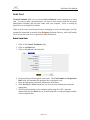
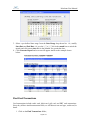
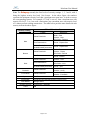
Current Batch consists of two parts, transaction summary and transaction details, which
are grouped by the payment method. The summary provides an overview of transactions
in the current batch. The transaction details enable you to further explore and perform
more tasks on each transaction.
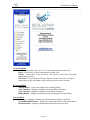
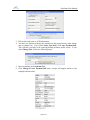
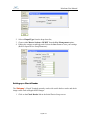
1. Click on the Current Batch folder;
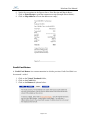
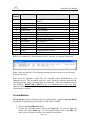
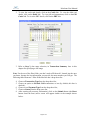
2. Click on the Summary link and a list will appear similar to the example shown
below:
Page 32 of 72