1
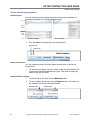
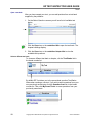
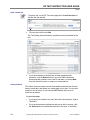
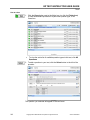
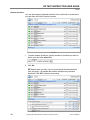
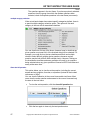
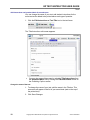
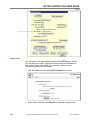
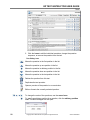
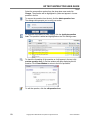
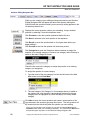
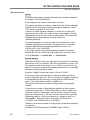
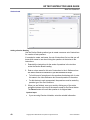
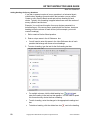
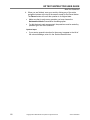
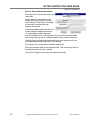
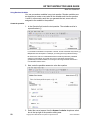
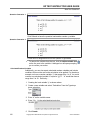
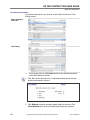
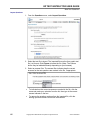
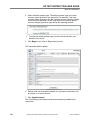
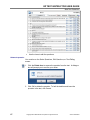
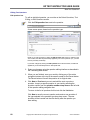
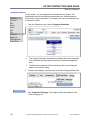
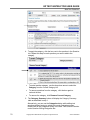
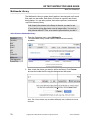
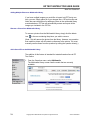
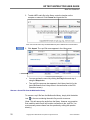
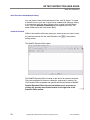
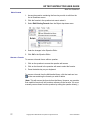
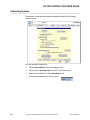
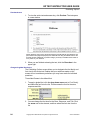
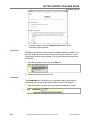
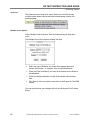
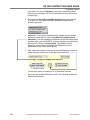
EZ TEST INSTRUCTOR USER GUIDE Test Management Export your test You can export your current test into a file that you can share with others or upload it to the free EZ Test Online service to deliver your tests online. The file is saved as a .zip file. To find out more about EZ Test Online, contact your McGrawHill representative, or go to www.mhhe.com and register or login if you are already registered. Once registered, all documentation and online help is available to assist you in uploading your exams for online use. 1. On the EZ Test Home screen, click the Make an EZTest File icon. Note to Mac users: The file will automatically be downloaded to your desktop. You will not be prompted with the following dialogue boxes below. Also, please be aware that the Safari web browser will automatically extract the exported .zip file. However, the exported .zip file needs to remain intact to work. To disable this feature, uncheck "open safe files after downloading" in Safari's preferences. 2. 3. In the dialogue box, click Save. The Save As dialogue box appears. 4. Enter the file name for the test and click Save. The .zip file can be imported into EZ Test using the EZ Test Import option in the Tests menu. This zip file should NOT be expanded but kept intact. 80 Copyright ©The McGrawHill Companies. All rights reserved. Version 6/25/2007