1
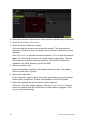
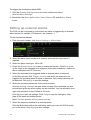
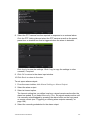
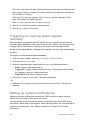
9. Recording configuration:
Configure your recording settings as required. The settings apply to all
cameras connected to the DVR. There are two recording configurations:
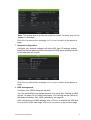
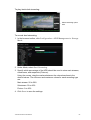
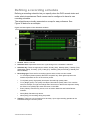
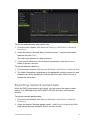
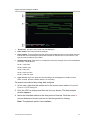
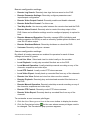
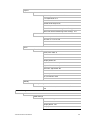
Auto record settings: The window for “Auto Record Settings” is shown
below.
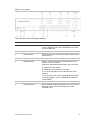
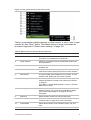
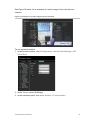
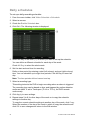
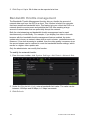
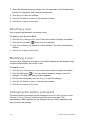
Advanced record settings: The window for “Advanced Record Settings” is
shown below.
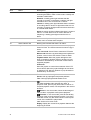
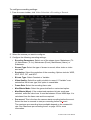
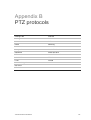
Check the Constant Recording checkbox for the DVR to record continuously
all day. If left unchecked, the DVR will not record.
Check the TL-Hi check box and select its image resolution and frame rate.
Check the TL-Lo check box and select its image resolution and frame rate.
To record motion detection events, check Event (Motion) and select the
image resolution and frame rate.
To record alarm events, check Alarm and select the image resolution and
frame rate.
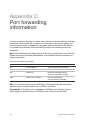
Under Camera name enter the camera name. A soft keyboard will appear to
enter the characters.
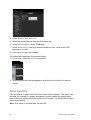
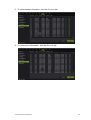
10. When all the required changes have been entered, a page appears showing
all the settings.
22
TruVision DVR 42 User Manual