1
Audio Alerts Manager
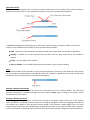
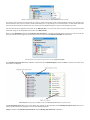
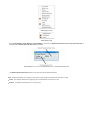
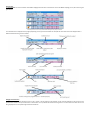
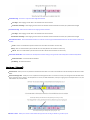
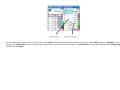
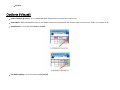
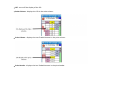
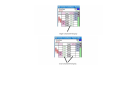
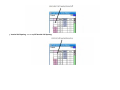
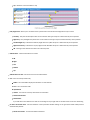
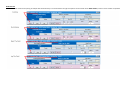
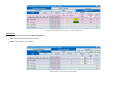
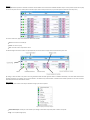
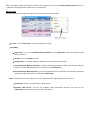
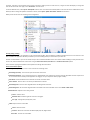
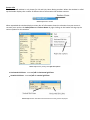
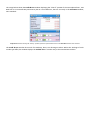
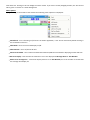
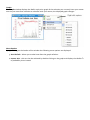
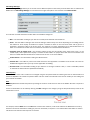
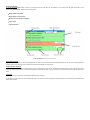
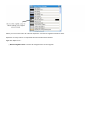
The Audio Alerts Manager window is where you control the various audio alerts for the so ware. It is accessed from the right click op ons on the
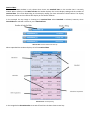
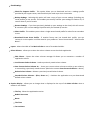
header of the Main Info Bar. In total there are eleven alerts
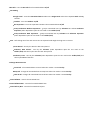
When market is suspended
When market is turned In‐Play
When a bet error message is displayed
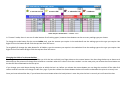
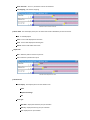
5 mer alerts
3 Bet match alerts
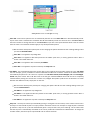
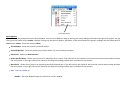
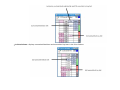
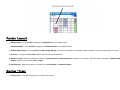
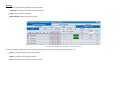
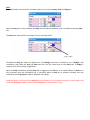
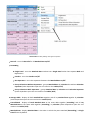
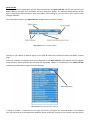
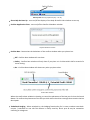
Audio Alerts Manager Window with right click op ons
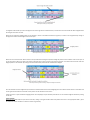
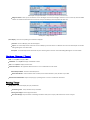
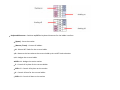
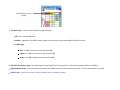
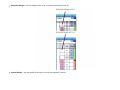
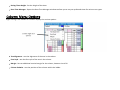
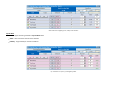
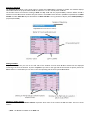
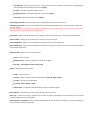
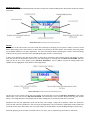
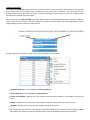
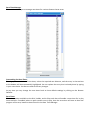
Switch Alerts On & Off
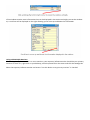
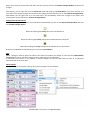
In order to turn off an alert you click on the Stop/Go bu on. When an alert is turned off the Stop/Go bu on will say ‘Go’, the alert will be shaded red,
the drop down menus will be greyed out and the test bu on will not display, as shown above.
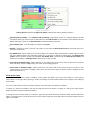
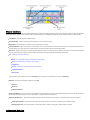
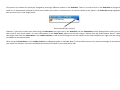
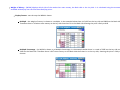
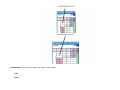
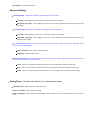
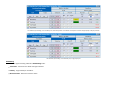
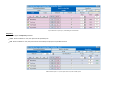
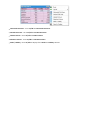
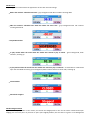
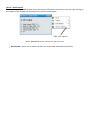
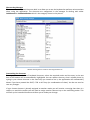
Changing the Alert Audio File
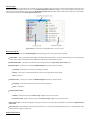
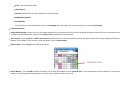
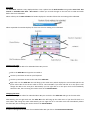
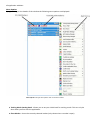
Click on the Browse bu on and then select the file on your computer that you wish to use. The loca on and name of the current sound file can be seen
to the right of the Browse bu on. To test what the audio alert sounds like you click on the Test bu on. {NB. It should be noted that only .wav files can be
used.}
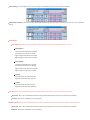
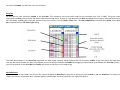
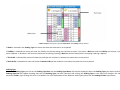
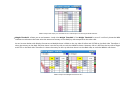
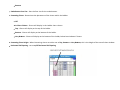
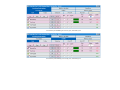
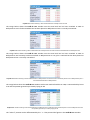
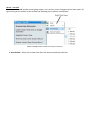
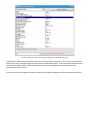
Timer Alerts
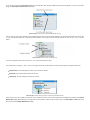
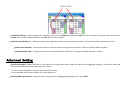
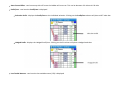
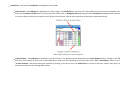
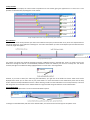
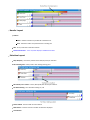
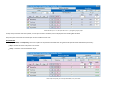
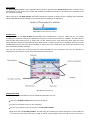
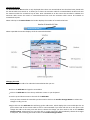
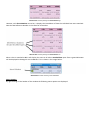
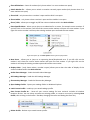
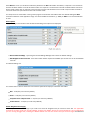
The mer alerts can be set rela ve to the Be air supplied market start me.
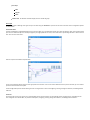
To change the me of an alert you use the drop down menus. As shown in the above image it is possible to set alerts to go off a er the scheduled start
me as well as before.