1
2-20
Daily use
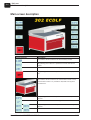
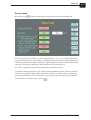
Main screen description
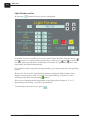
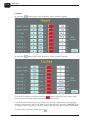
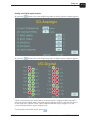
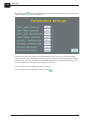
By pressing the
button from the temperature screen and entering the user password
"963", the following screen is displayed.
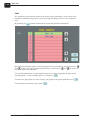
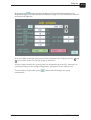
From this screen it is possible to set temperatures when cooling of exposure lamps,
exposure table, exposure lamps at light integrator calibration and light finisher lamps
will start. As well it is possible to set required temperature (setpoint) for drying cycles
and the temperature when the dryer blowers will start.
In the screen above are displayed factory settings.
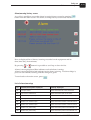
To turn back to the temperature screen, press
User's Manual - CONCEPT 302 ECDLF
.
1438