1
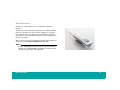
Barcode Scanner
56
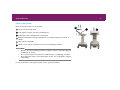
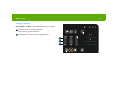
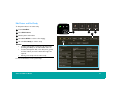
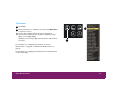
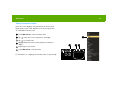
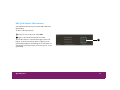
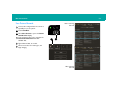
Scan Patient Barcode
1
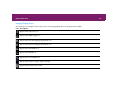
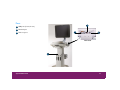
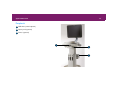
Connect the configured barcode scanner to
any USB port on the system.
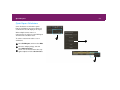
2
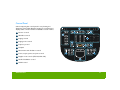
Touch Start/End.
4
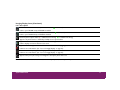
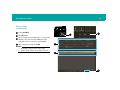
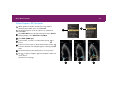
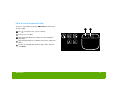
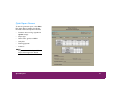
Select New Patient to open the Patient
Identification display.
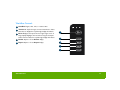
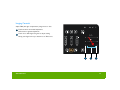
Scan the patient’s barcode to populate the
Patient Identification fields with
available data.
5
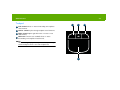
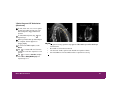
Type additional data, as needed.
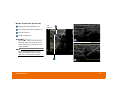
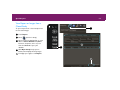
6
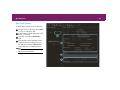
Select a transducer and exam type, and
begin imaging.
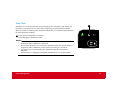
3
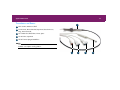
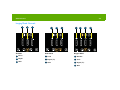
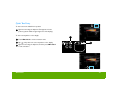
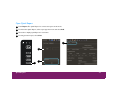
Before scanning
barcode
3
2
After scanning
barcode