1
Fuel Calculator
●
About Fuel Calculator
●
Fuel Calculator Setup
●
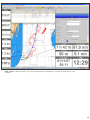
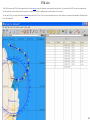
Display Route Fuel Use Information
About Fuel Calculator
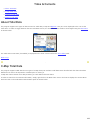
BoatCruiser / SailCruiser / NavCruiser Pro have many tools to aid the planning phase of a trip.
Among the more advanced planning features offered is the Fuel Calculator. When properly
configured, the program can give you an estimate of the fuel required to complete a given route.
These estimates are made from sample data entered by the captain and shoud be considered as
quidelines only.
Back to top
Fuel Calculator Setup
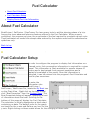
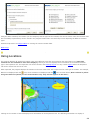
In order to configure the program to display fuel information on a
planned route, fuel consumption information is required for a given
vessel. This information is likely available for popular classes of
motors and is best gained from personal experience and a
captain's knowledge of the vessel. Once the information is
compiled, it can be entered into the program's Fuel Calculator and
used to plan excursions.
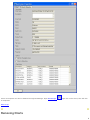
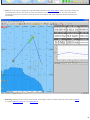
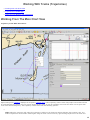
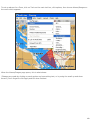
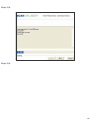
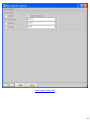
To enter the
information into
BoatCruiser /
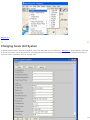
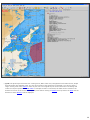
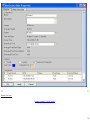
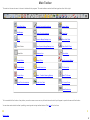
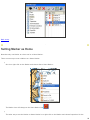
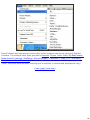
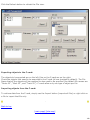
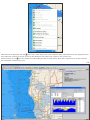
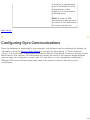
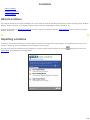
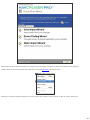
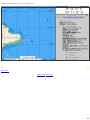
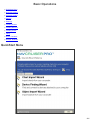
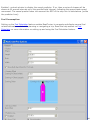
SailCruiser / NavCruiser Pro, locate the My Boat icon
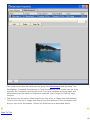
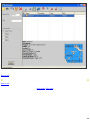
on the Chart View . Right click on the boat to and
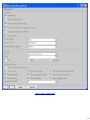
click "Boat Properties" from the Context Menu. The
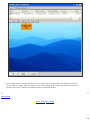
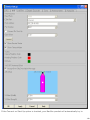
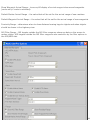
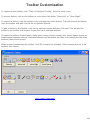
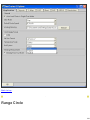
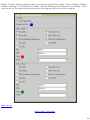
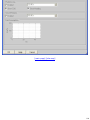
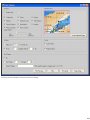
Boat Properties dialog will appear, displaying a host
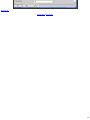
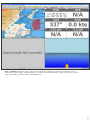
of information about the boat. Scrolling to the
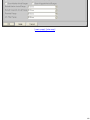
bottom of this page will display the Fuel Calculator.
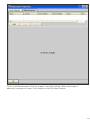
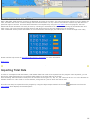
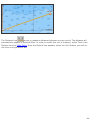
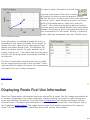
The calculator is initially displayed as a blank chart
containing no data. The default units for the graph
are knots for the x-axis and Gallons per hour for the
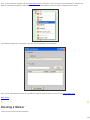
y-axis. Right-clicking on these scales allows for the changing of these units.
209