1
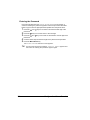
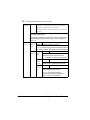
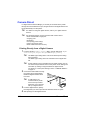
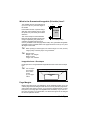
Entering the Password
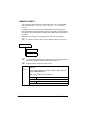
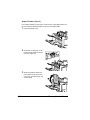
If the print job selected in the PROOF/PRINT MENU is a secured job, a
screen for entering the password appears. Follow the procedure described
below to type in the four digits password specified from the printer driver.
1
2
3
4
5
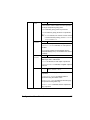
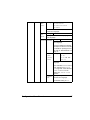
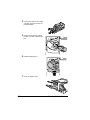
Press the
password.
and
keys to increase or decrease the first digit of the
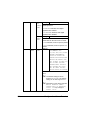
Press the
key to move the cursor to the next digit.
Press the
password.
and
keys to increase or decrease the second digit of the
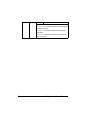
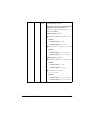
Continue these steps until all four digits of the password are specified.
Press the Menu/Select key.
The PRINT/DELETE selection screen appears.
"
36
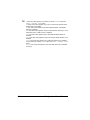
If an incorrect password is entered, INVALID ENTRY appears and
the screen for entering the password appears again.
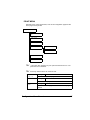
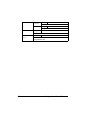
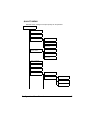
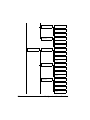
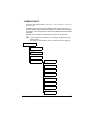
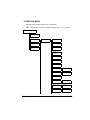
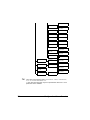
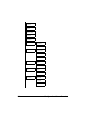
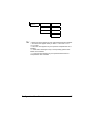
Configuration Menu Overview